
AI Digital Humans with knowledge you control
Turn your content into interactive, emotional conversations. Visitors ask their own questions in their own words, and the character answers live, in its own voice, from knowledge your team has approved.
Answer recurring questions, add depth when staff are busy, and let every visitor explore in their own way. You decide what the character knows, how it speaks and what it won’t answer.
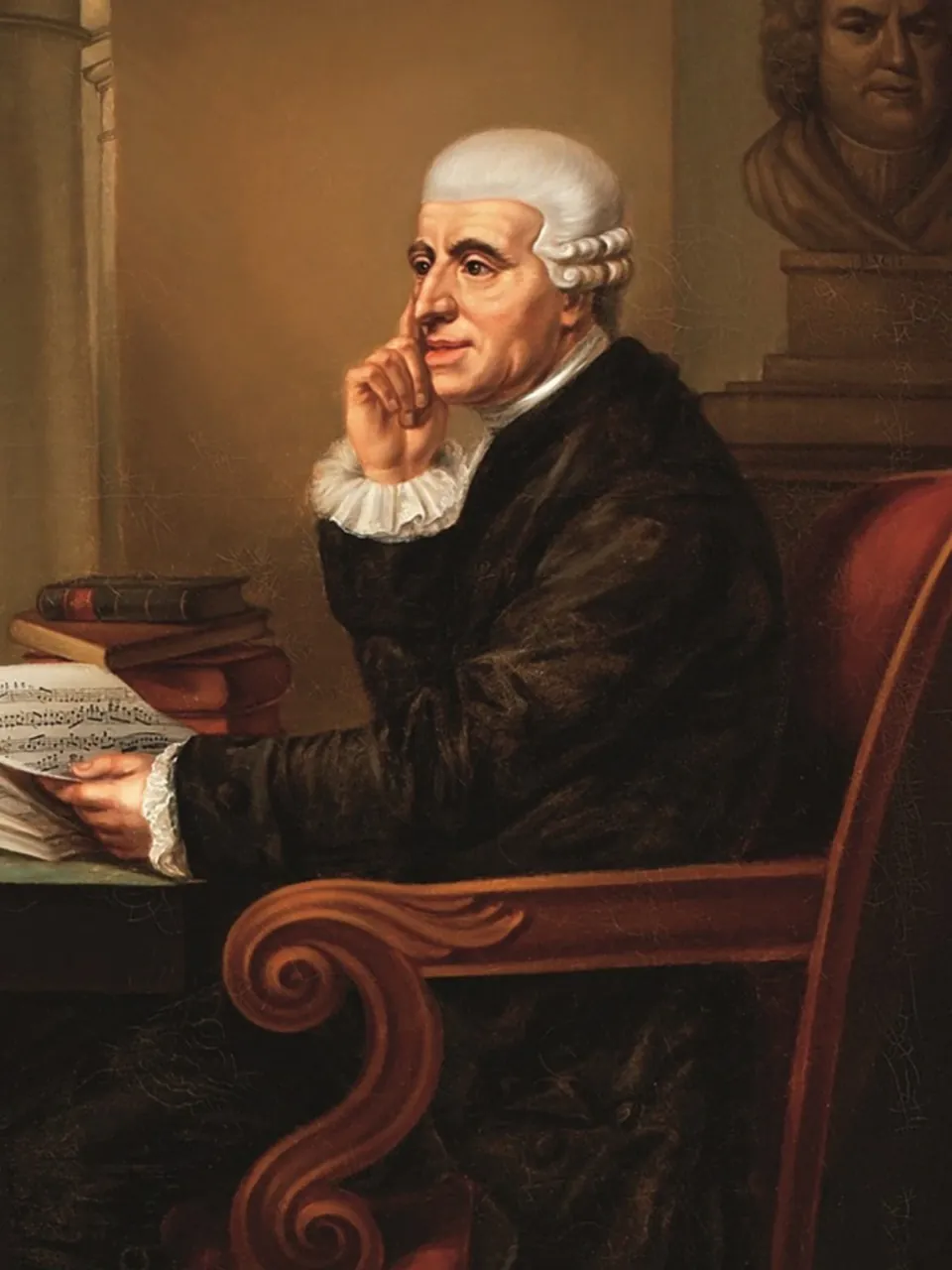
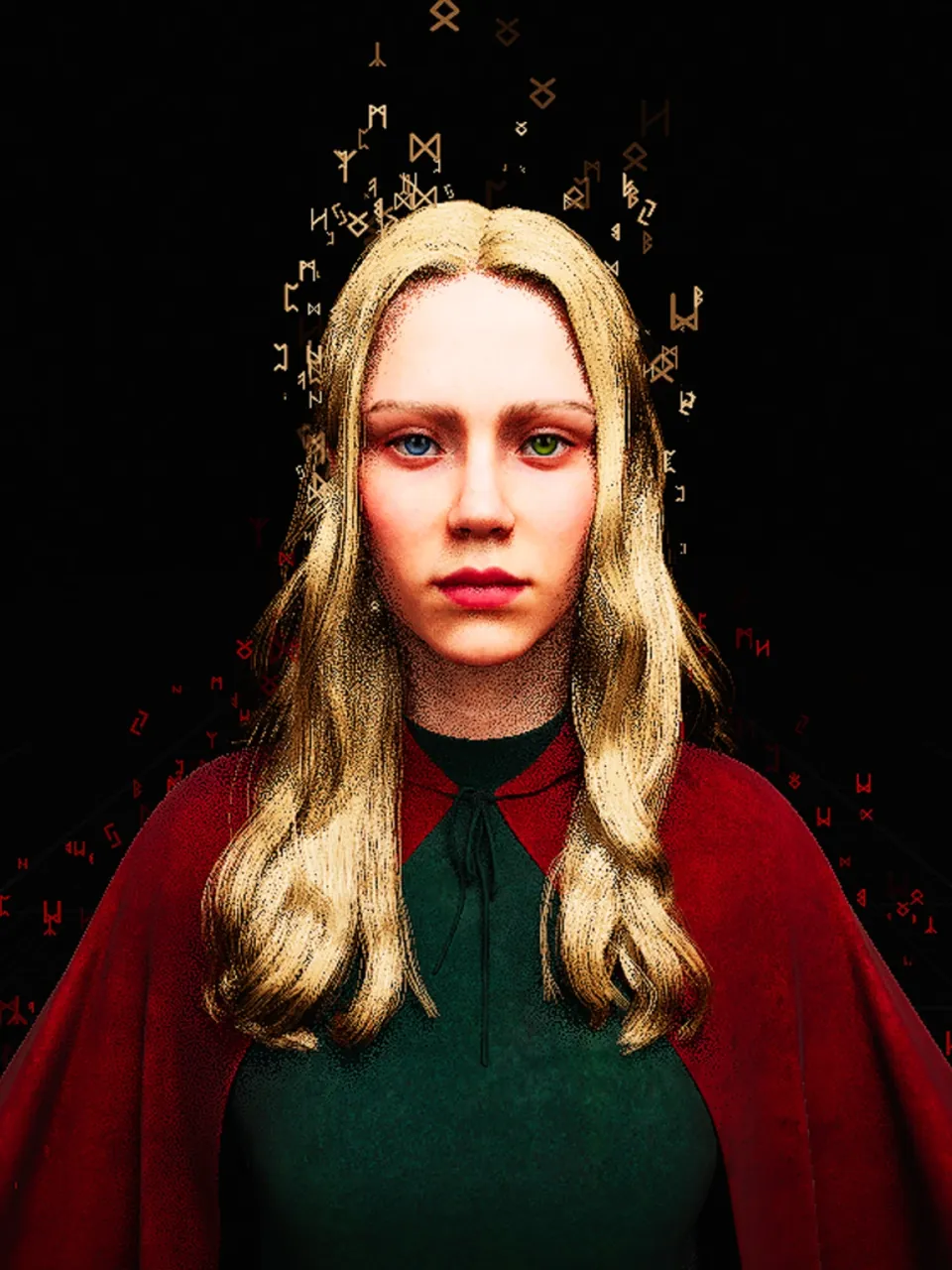
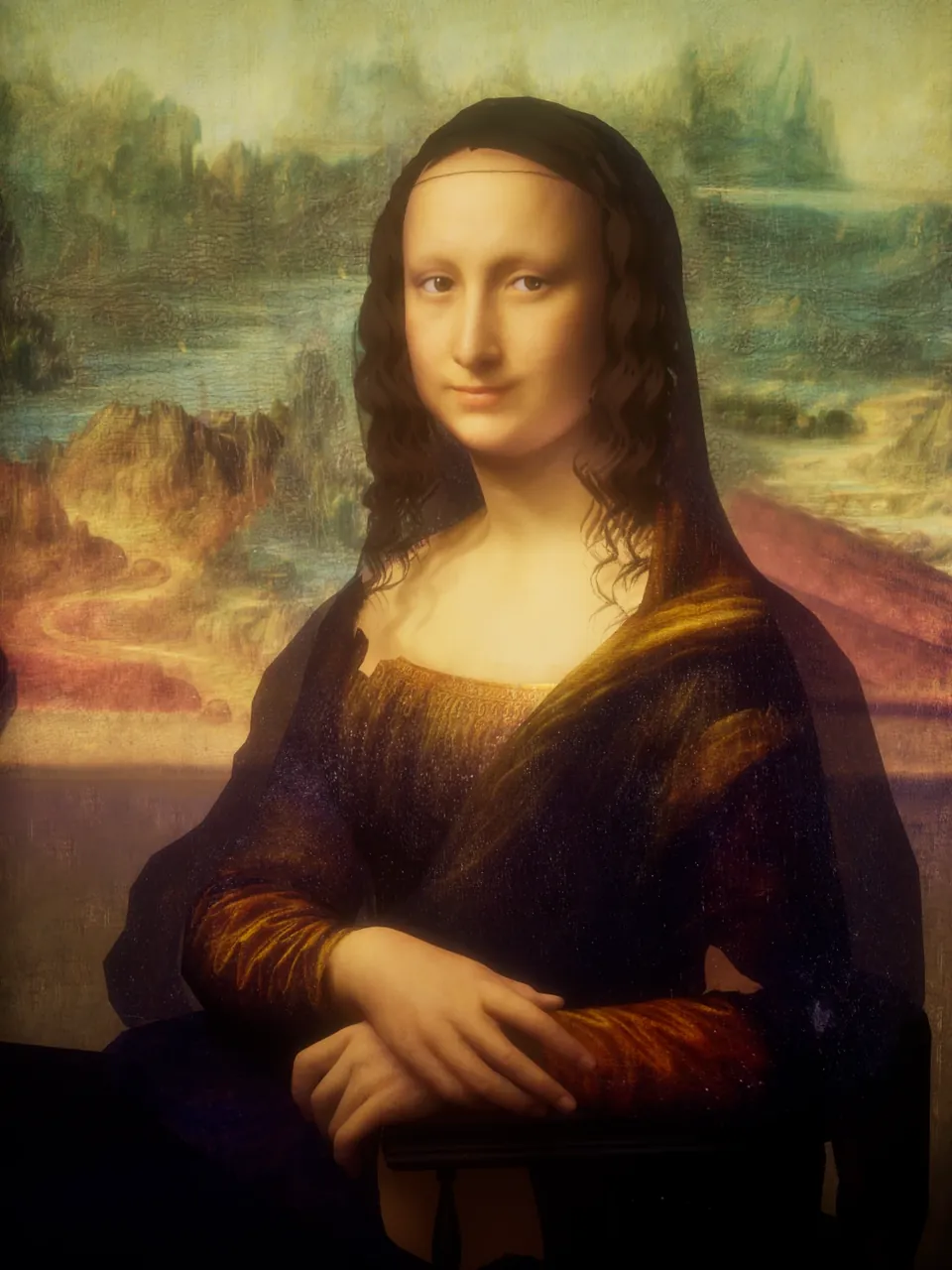
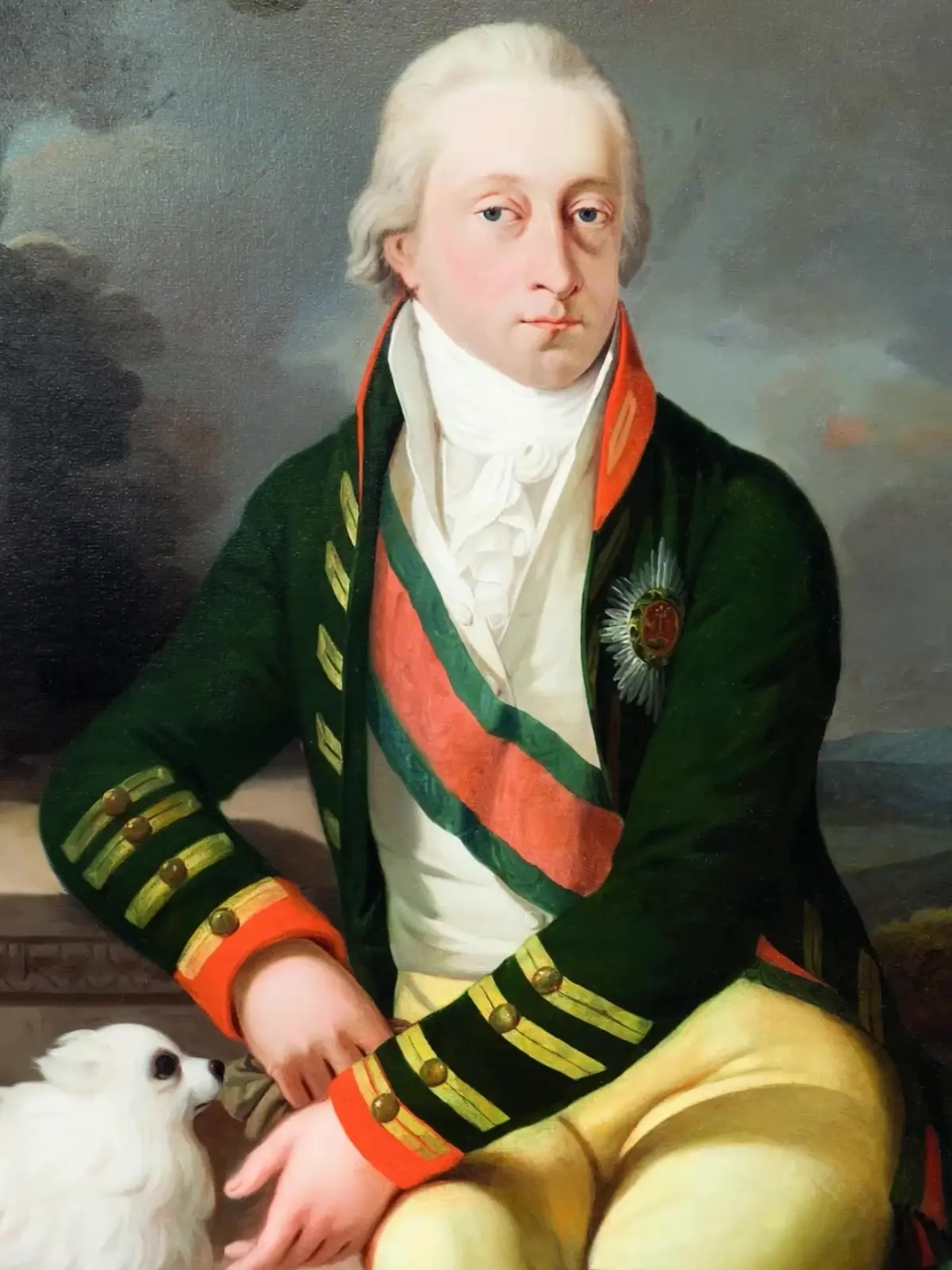

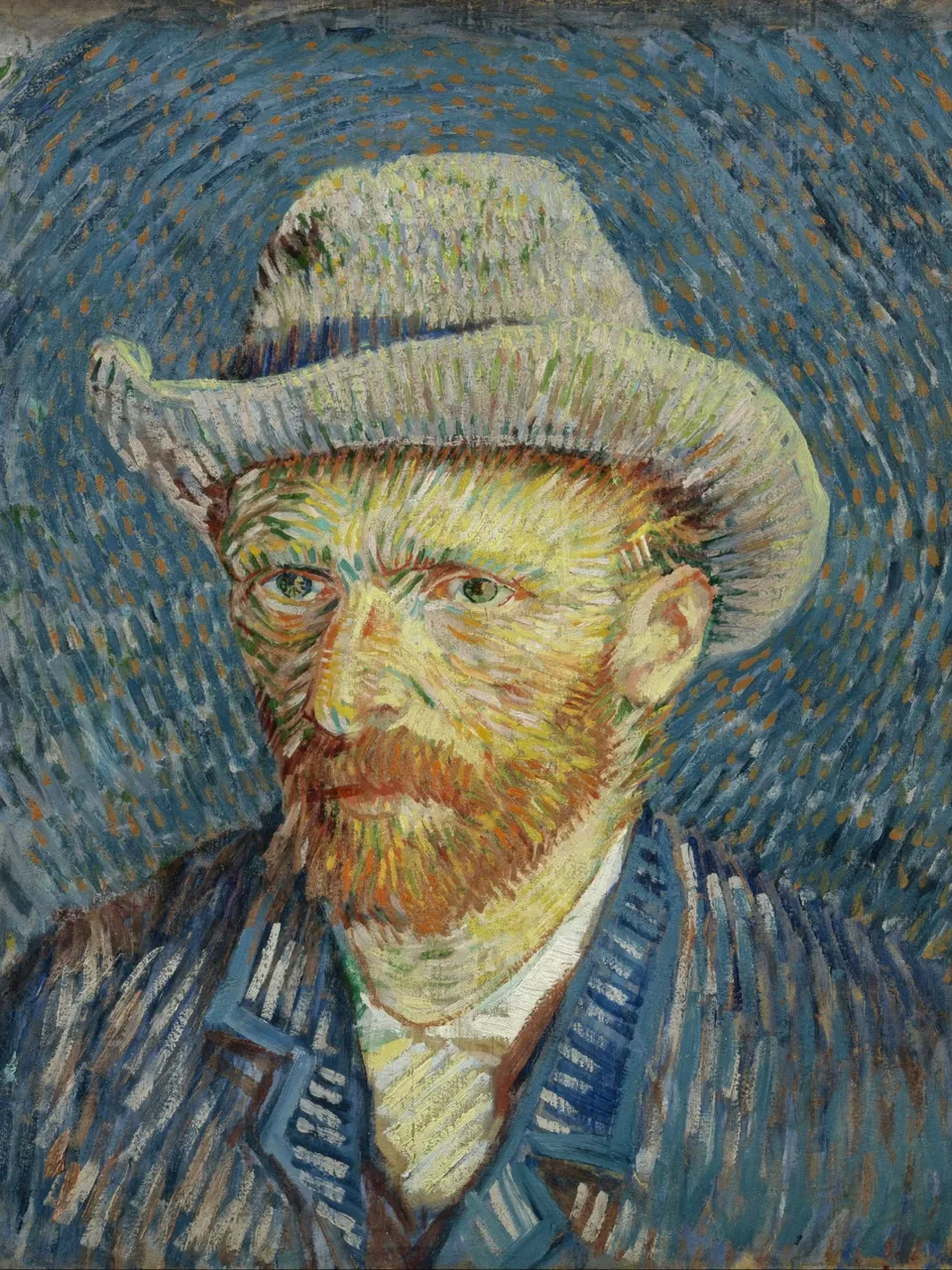
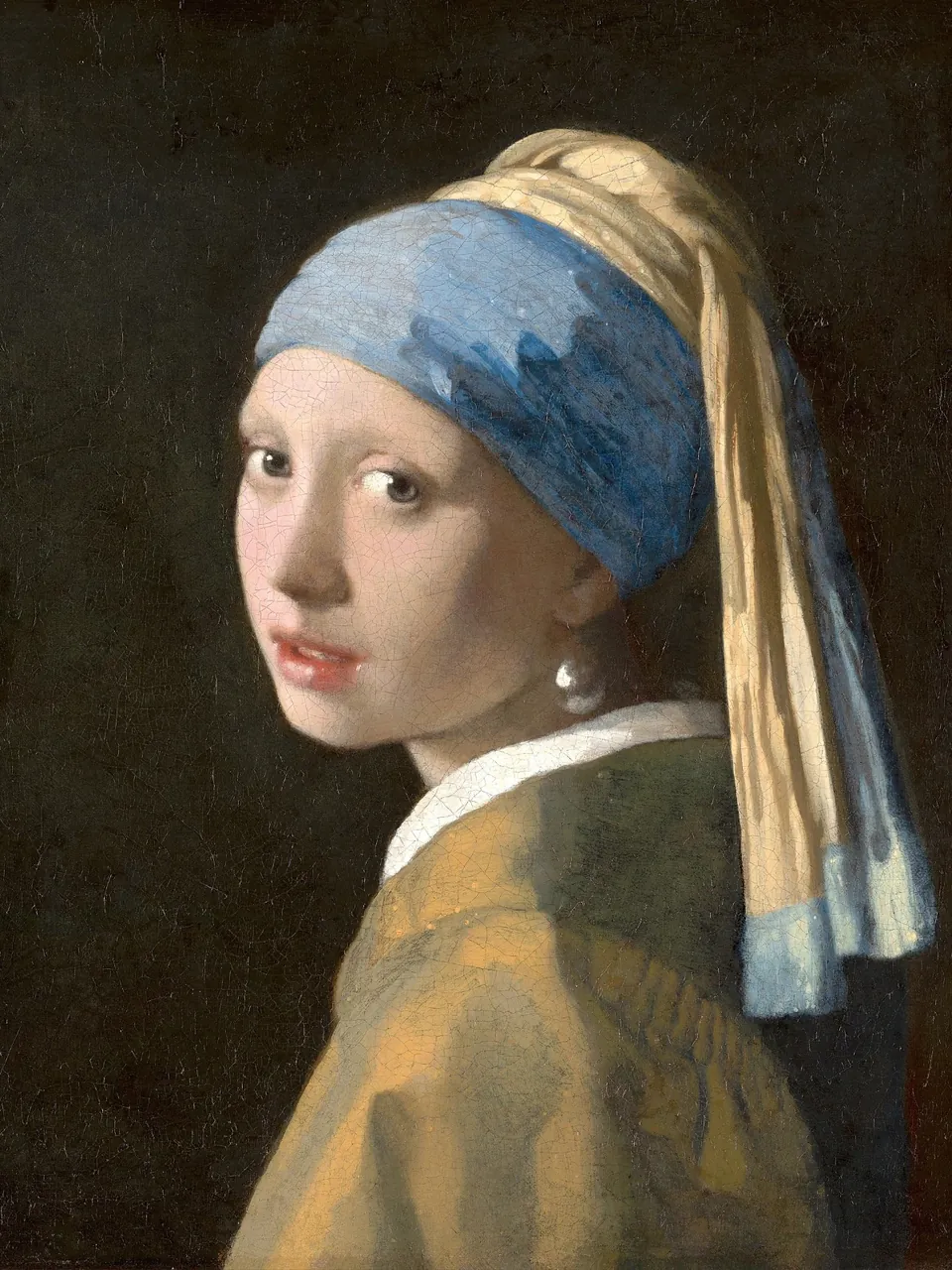



















Everything that brings the story to life.
A more human presence
A character that notices when people are there
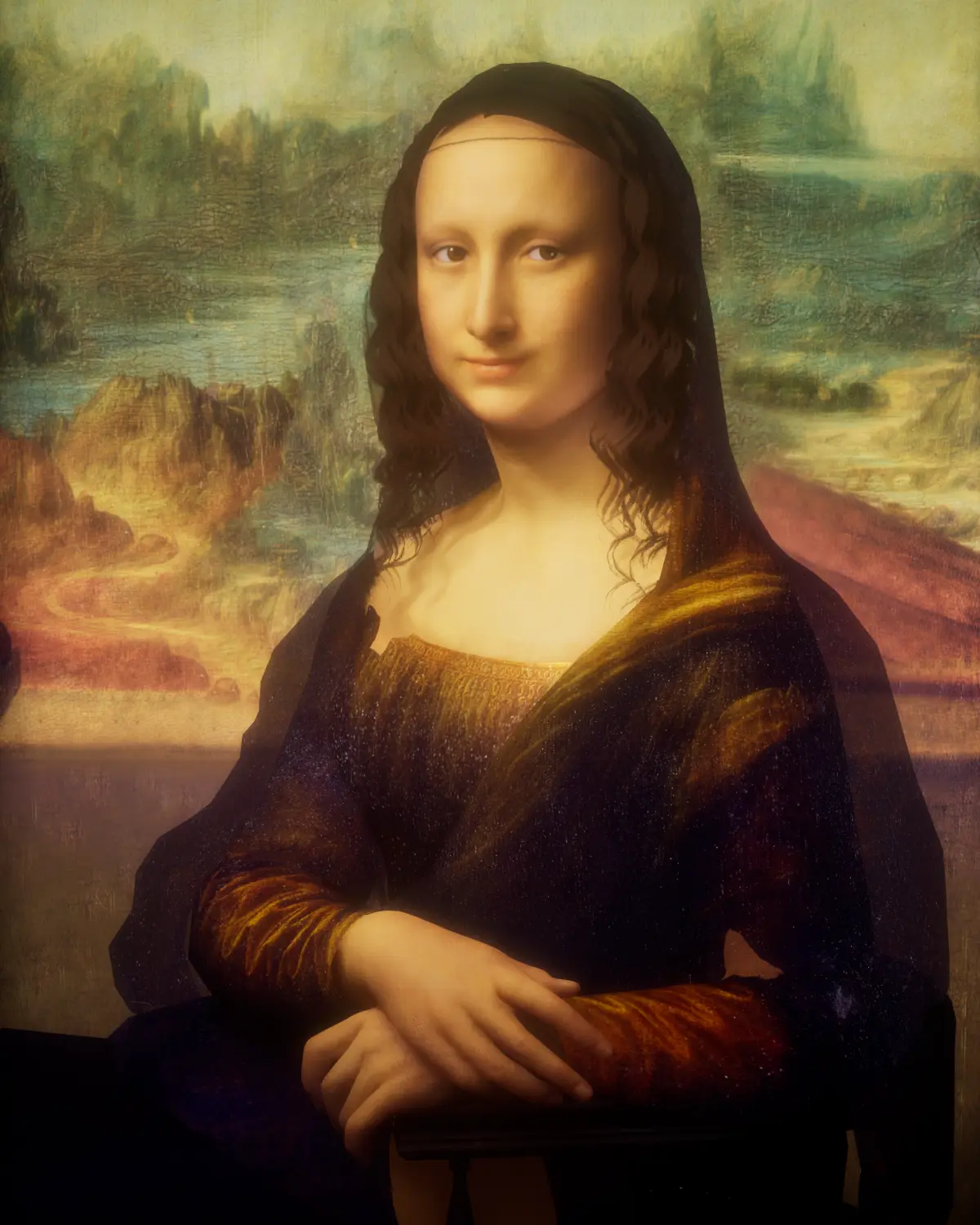
Talking Paintings AI can do more than wait for a question. Optional visual features allow the character to react to the people and movement around it.
Gaze tracking
A camera allows the character to follow visitors naturally with its eyes as they move.
Computer vision
The character can notice when someone approaches or moves in front of the installation.
Move your cursor. Mona Lisa follows you.
Live lip sync
Mouth movement follows the generated voice in real time, for every answer.
Calls to action
The character can initiate a predefined next step, directing visitors towards another room, screen, exhibit or sign up point.
What's Included
From Digital Human to handover
The installation combines character creation, live conversation, controlled knowledge and straightforward day to day management.
Custom 3D Digital Human
A real time portrait with lip sync, blinking, facial expressions and natural head movement. Every response is animated as it is generated rather than played from a prerecorded clip.
Real time conversation
Visitors speak and the character responds live. They can ask follow up questions, change subjects or explore a topic in greater depth.
Your knowledge base
We integrate your texts, catalogues, FAQs and other approved material. The character answers from these sources and declines questions outside its defined topics.
Character voice
Choose a trained voice running locally or a premium cloud voice. Either way, every answer is delivered in the character’s voice.
Knowledge Dashboard
Update facts, documents and scripted lines directly in the browser. No programming and no new production cycle are required.
GDPR ready setup
Operate completely offline on site or use a documented hybrid configuration. You decide where visitor conversations are processed.
Training and handover
Your team receives a two hour training session covering operation and content management.
Popular upgrades
Add what your space and audience need, on top of the standard installation.
- Half body or full bodyWaist up or head to toe, instead of a portrait
- Gestures & upper-body animationHands and shoulders move with the conversation
- Knowledge base written by usOur team researches your topic and writes it, ready for your approval
- Human voice actorA professional actor gives your character its voice
- Presence or proximity sensorThe character notices when someone steps up and greets them
- Computer vision, camera & push-to-talk buttonEye contact, visitor detection and the physical button
- Priority supportAdvanced or Premium: faster response times for busy or permanent installations
- Additional languages & charactersExpand to more languages, characters or locations
Not sure which upgrades fit?
Talk to our teamVisitors ask. The character answers.
Visitors hold a push-to-talk button, ask in their own words and let go. The character works out what they meant, finds the answer in your approved knowledge and replies out loud, with expression and lip sync generated as it speaks.
Hold
Press and hold the push-to-talk button.
Ask
Ask in your own words, then let go.
Listen
The character answers from your knowledge.
Push-to-talk is the standard because it works in real rooms: the character only listens when a visitor wants to talk, so school groups, music and neighbouring exhibits don’t trigger it. Hands-free listening is available on request after an on-site acoustic test.
Small touches that make it feel alive
Every touch can be switched on or off, and every line is written in the character’s own voice.
It greets people
The character can welcome visitors as they arrive.
It thinks out loud
Small sounds while an answer is prepared make the pause feel natural.
It never looks switched off
Idle lines now and then draw people over.
It checks in
If a visitor goes quiet, it nudges. You choose the delay, from seconds to ten minutes.
It looks at you
With optional gaze tracking, it follows visitors with its eyes. It reacts to movement and never identifies anyone.
It can trigger the room
A call-to-action starts a predefined next step: the next room, a screen or a sign-up point.
Want to see a character greet your visitors? We’ll show you live.
Book a DemoYour content, your rules
Knowledge your team can control
The Knowledge Dashboard gives your team direct control over what the Digital Human knows and how it behaves.
New opening hours, a special exhibition, the name of a new curator. Write a short entry, tag it with a few keywords and save. The character can use it right away, with no restart.
Upload catalogues, research, audio guide scripts or FAQs as PDF, Word, TXT or Markdown. The system splits each document into small knowledge units you can review before they go live. One click on “Rebuild Knowledgebase” and the character answers from the new material.
Shorter answers for a school holiday programme? A mention of the café at the end? Add an instruction. The core personality we built together stays untouched.
A welcome, a safety note, a sponsor thank-you. Fix the wording, press “Regenerate Audio”, and the new line is ready in the character's voice. No studio session.
Your character pronounces your world correctly
Pronunciation and recognition rules
Names, places and specialist terms matter. Each rule is one line: what goes wrong and what to use instead. Staff add one in under a minute.
The written word in your content stays unchanged.
32+
LanguagesInternational visitors, tourists and school groups talk in the language that works best for them, and can switch mid-conversation.
See what your visitors want to know
The Character Editor also shows how your content is used, so you can improve it.
SEARCH PREVIEW · BEFORE VISITORS ASK
POPULAR TOPICS · THIS MONTH · EXAMPLE
You decide how much conversation data is recorded. Visitor text is not stored by default; question statistics need the matching logging option.
Built to run every day
From the first visitor to closing time, the installation looks after itself.
Switch on and the character loads, ready for visitors.
Staff menus stay hidden during opening hours.
The image is fitted to your frame or kiosk, down to the pixel.
A built-in menu, no task manager, no technician.
New versions install through one desktop shortcut.
A text chat lets your team check answers quietly.
Step by step, from opening checks to content updates.
Our technical team: support@talkingpaintings.ai, every day 10:00–19:00.
You decide where every conversation is processed
The language model, voice and knowledge system run locally, in the cloud, or a mix of both. Visitor text is not stored by default, there is no face recognition, the Character Editor is password-protected, and the character never trains on what visitors say.
- Conversations stay in the buildingThe language model and voice run on the installation computer, so visitor conversations are processed locally.
- Predictable operating costsNo usage-based fees and no API or token charges, however many visitors you welcome.
- Fast, steady answersLocal processing keeps answers quick, even on your busiest days.
- Runs without internetIdeal for permanent exhibitions and sites with restricted IT.
Choose On-Premise for full control, predictable costs and strict data protection.
- Leading AI modelsConnect the language model to providers and benefit from their continuous improvements.
- Premium cloud voicesUse cloud voices for an especially natural character voice.
- Mix per moduleKeep the language model on site and use a cloud voice, or the other way round. Only services you approve are used.
- Lower upfront investmentSubscription pricing suits changing exhibitions and touring installations.
Choose Hybrid for the newest AI capabilities, premium voices and international audiences.
How do you control what the character says?
The technology is half the work. The other half is deciding what the character may say, long before anything is installed. Together we define:
- 1The knowledge sources the character may use
- 2Topics it can discuss, and topics it must decline
- 3Personality, tone, vocabulary and answer length
- 4The language level: usually different for a school group than for specialists
- 5What it says when it cannot answer a question
- 6How it handles provocative, off-topic or repeated questions
- 7Fallback behaviour outside the approved scope
Your team then tests the character before launch: the questions you expect, the questions you don’t want, and the edge cases every public installation meets.
Off-topic questions are declined politely, in the character’s voice and in wording you approved.
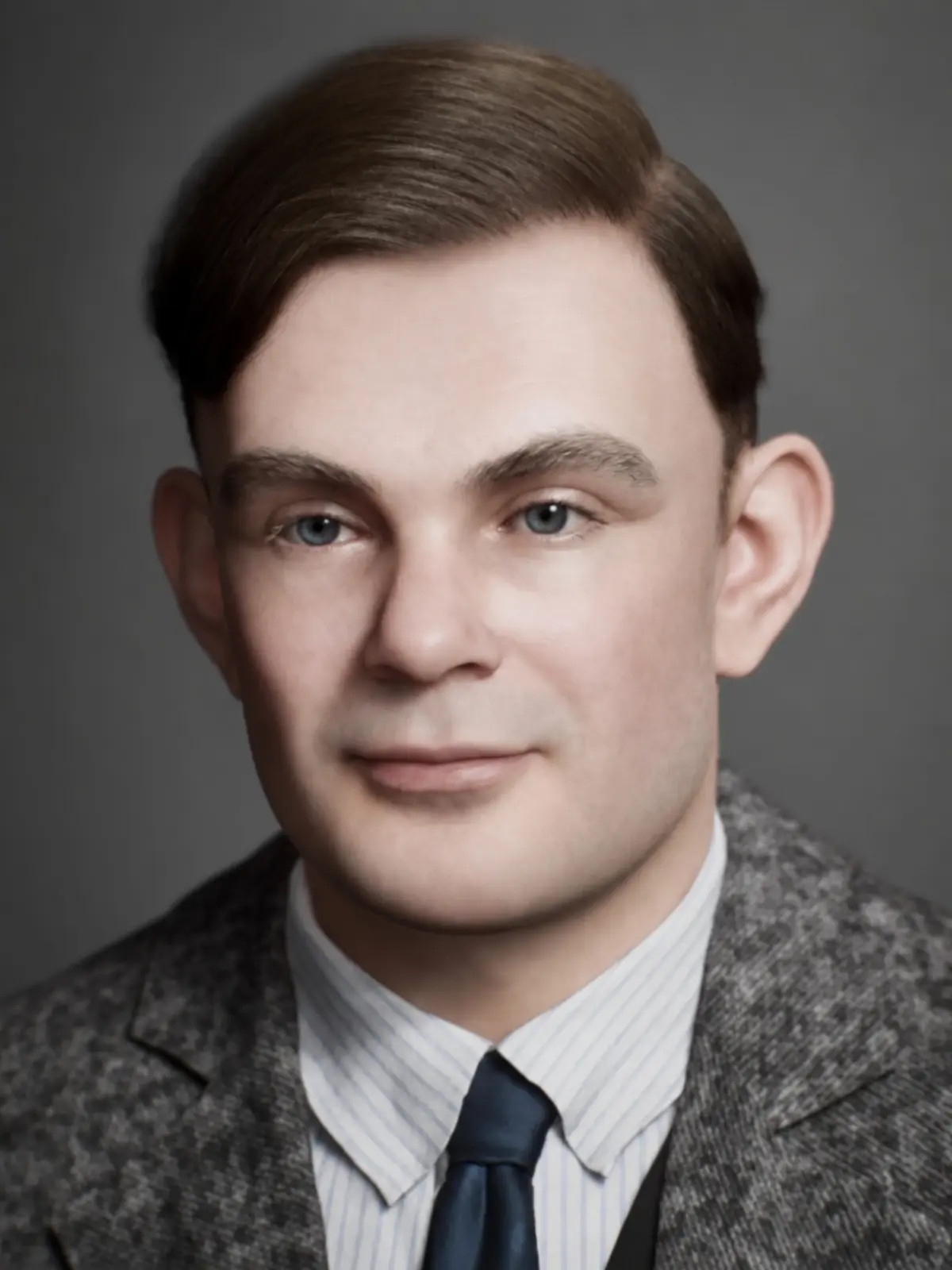
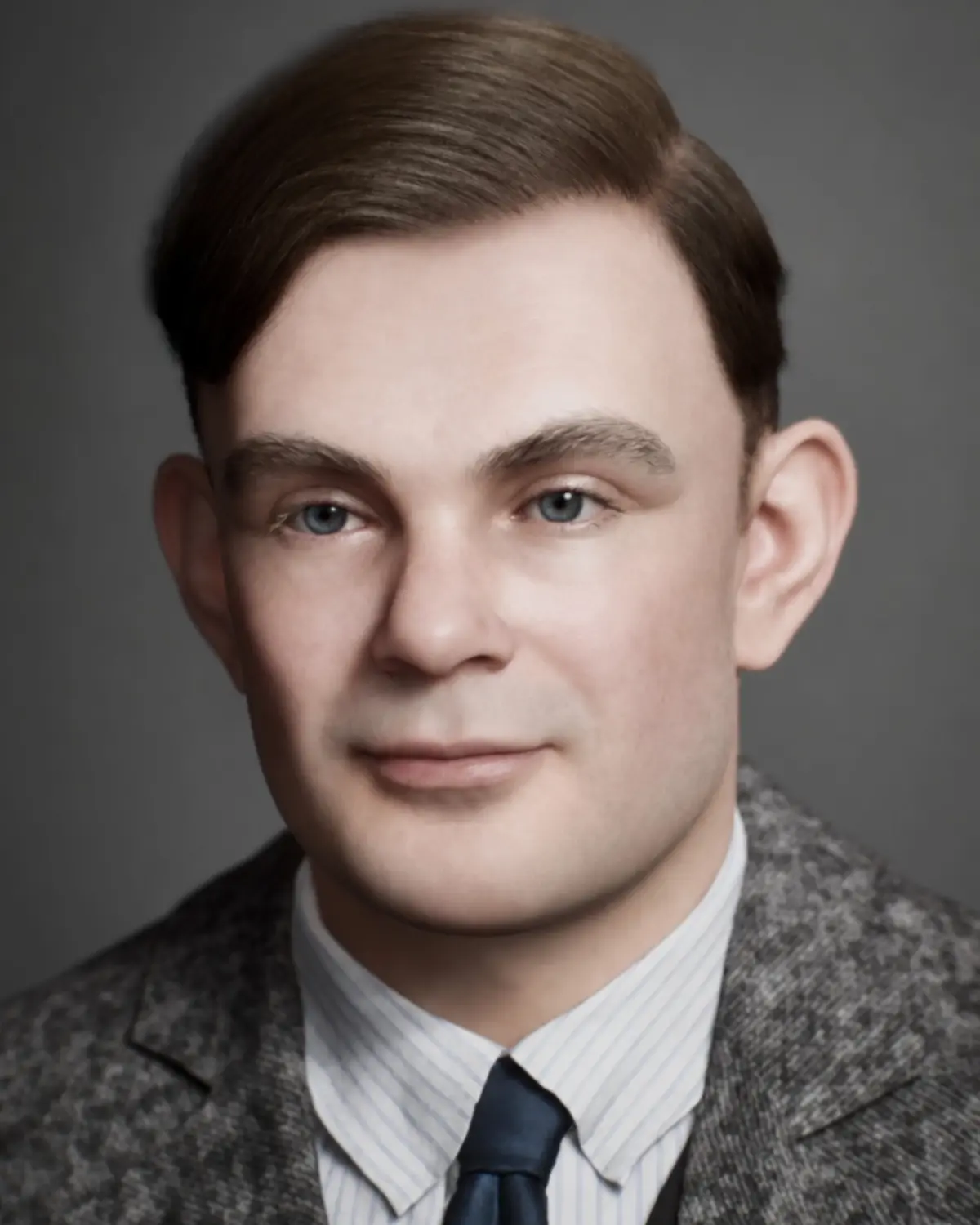
Alan Turing at the Museum für Kommunikation Frankfurt


A museum examining the risks of AI put an AI character at the centre of the display. Turing stands on “Automatisiertes Bauchgefühl”, an AI island about bias in training data and misinformation.
Visitors ask about his work, the beginnings of the computer and the foundations of AI, and he answers live. It has become one of the most popular offerings in the permanent exhibition.
Adaptable across industries
Museums & Cultural Institutions
Turn a collection into a conversation. Visitors meet artists, historical characters, scientists, experts or other characters connected to your exhibition.
Your curatorial and education teams decide what the character communicates and how the experience fits the exhibition.
Good fit for: museums, galleries, heritage sites, science centres, archives.
Attractions & Entertainment
Create a character guests want to meet. Talking Paintings adds animated storytelling or conversation to immersive exhibitions, attractions, touring shows and live events.
The character can work as a standalone installation or as part of a larger visitor experience.
Good fit for: immersive exhibitions, themed attractions, touring shows, visitor centres.
Brands & Corporate Experiences
Let people interact directly with your brand. A character can explain products, introduce company topics, present research or host an event or showroom.
Content and communication are prepared around your brand language and approved company information.
Good fit for: brands, trade fairs, corporate events, showrooms, workplaces.
Education & Public Spaces
Give people a simple way to explore a topic. A character can act as an expert, guide, teacher or historical figure.
People listen to prepared stories, choose topics or ask questions in their own words, depending on the format.
Good fit for: schools, universities, libraries, education centres, airports.
Three ways to bring a character to life
 Custom build
Full character production
Character design, 3D production, voice, personality, knowledge setup and hardware planning, built around your artwork or brief.
Book a Demo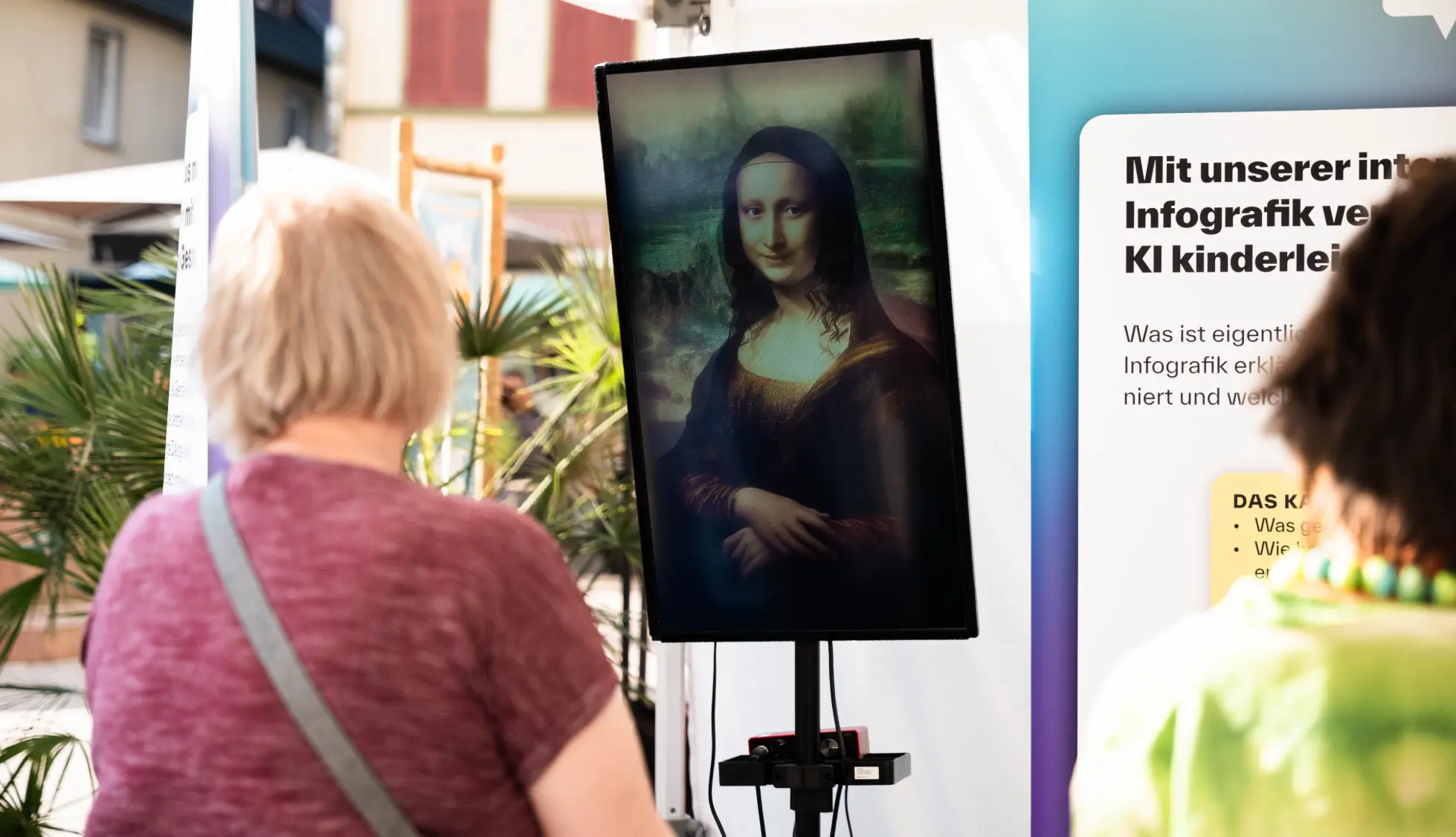 Fair, event or short run
Rent an existing character
For a fair, an event or a short run, a ready-made character with hardware, setup and support included.
Request Rental Pricing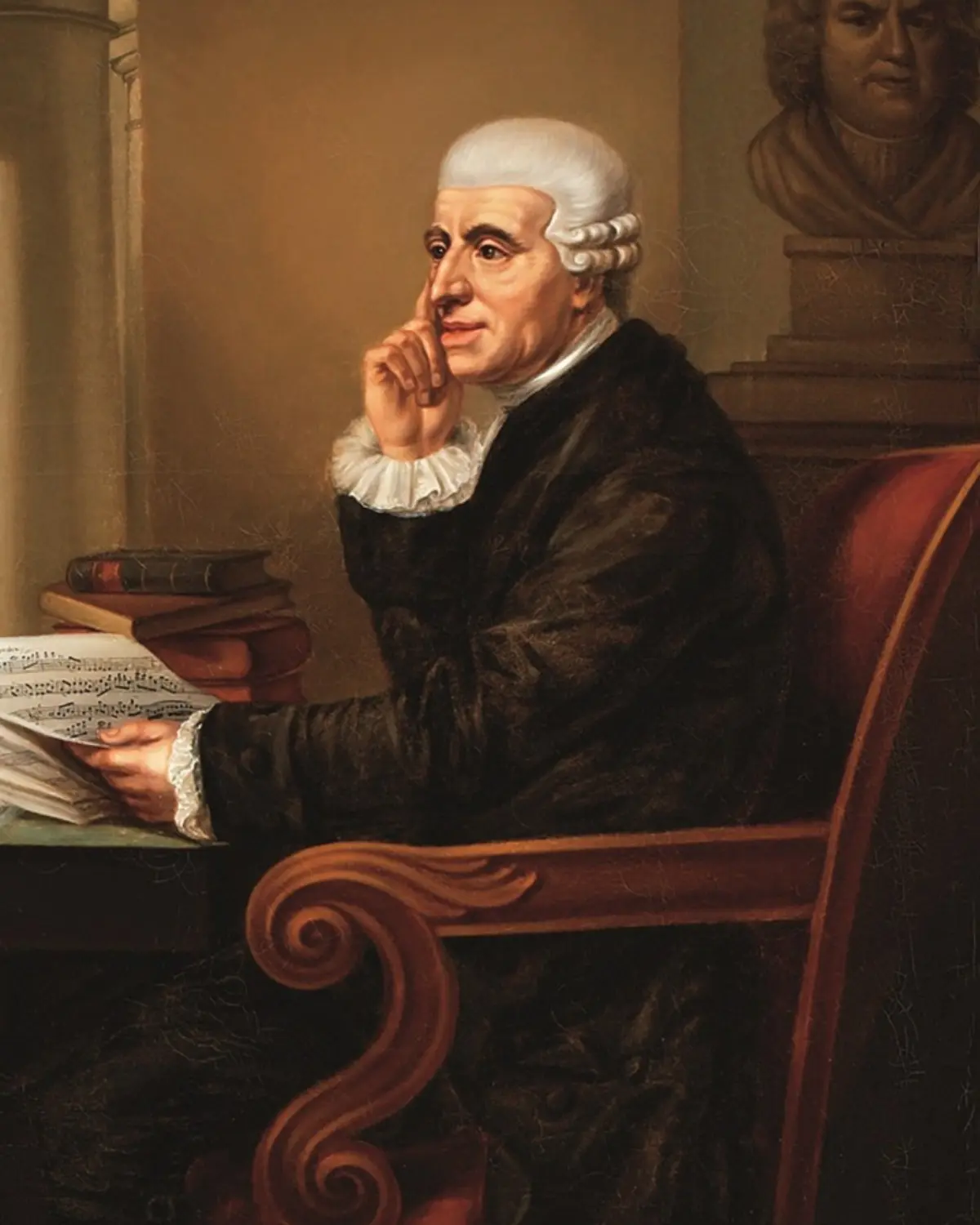 Prepared storytelling
Talking Paintings Lite
When every word should be fixed in advance: prepared storytelling, animation and full content control.
Explore Talking Paintings LiteIn the news
Click any logo to read or watch the original coverage.












Real characters, real institutions.

Alan Turing
Museum für Kommunikation Frankfurt. Shortlisted for the DigAMus Award 2026.
Read the Case Study →
Joseph Haydn
Schloss Esterházy and Burg Forchtenstein. A Talking Paintings Lite character.
Read the Case Study →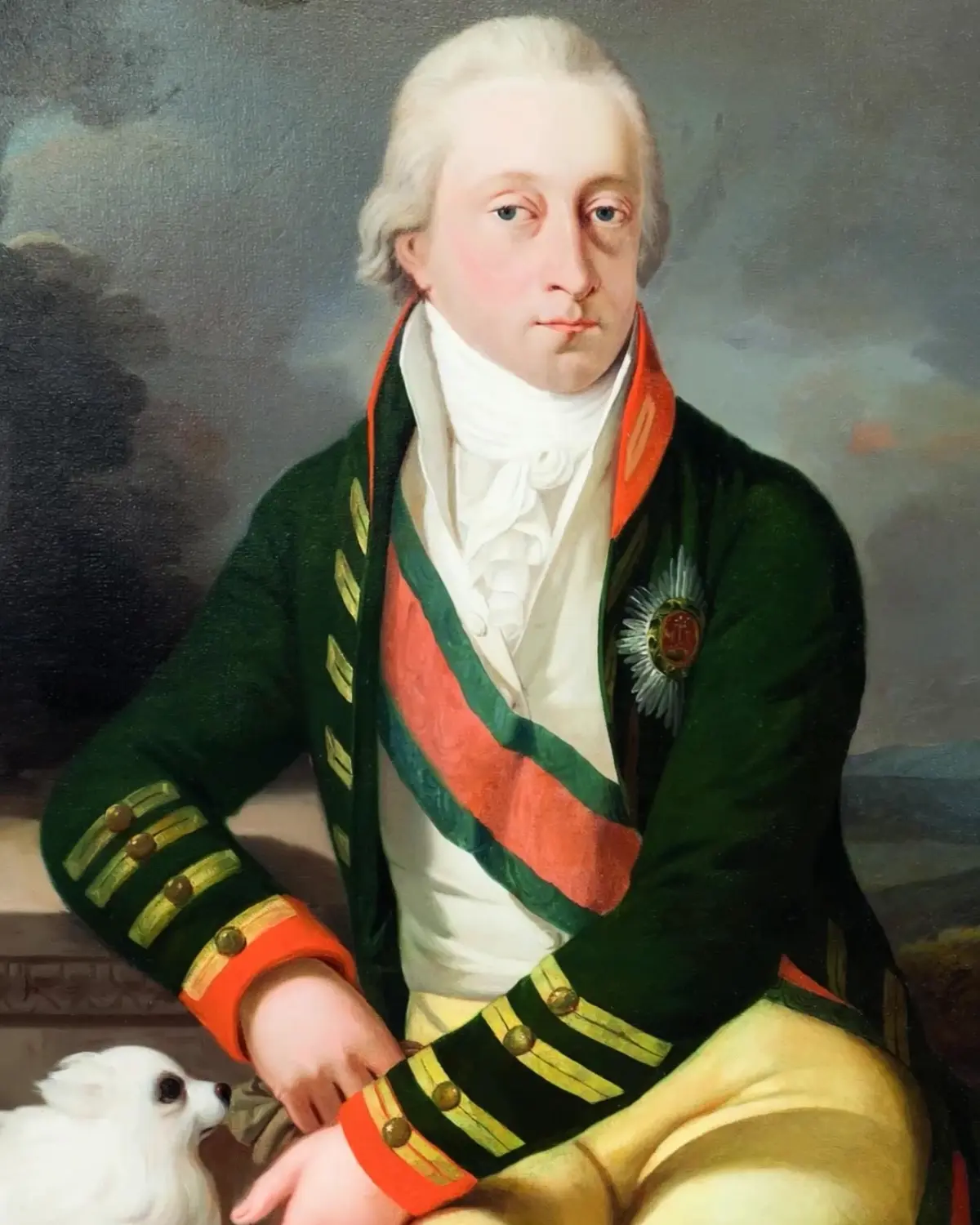
Prince Esterházy
Schloss Esterházy, Eisenstadt. Shares his own family history with visitors today.
Read the Case Study →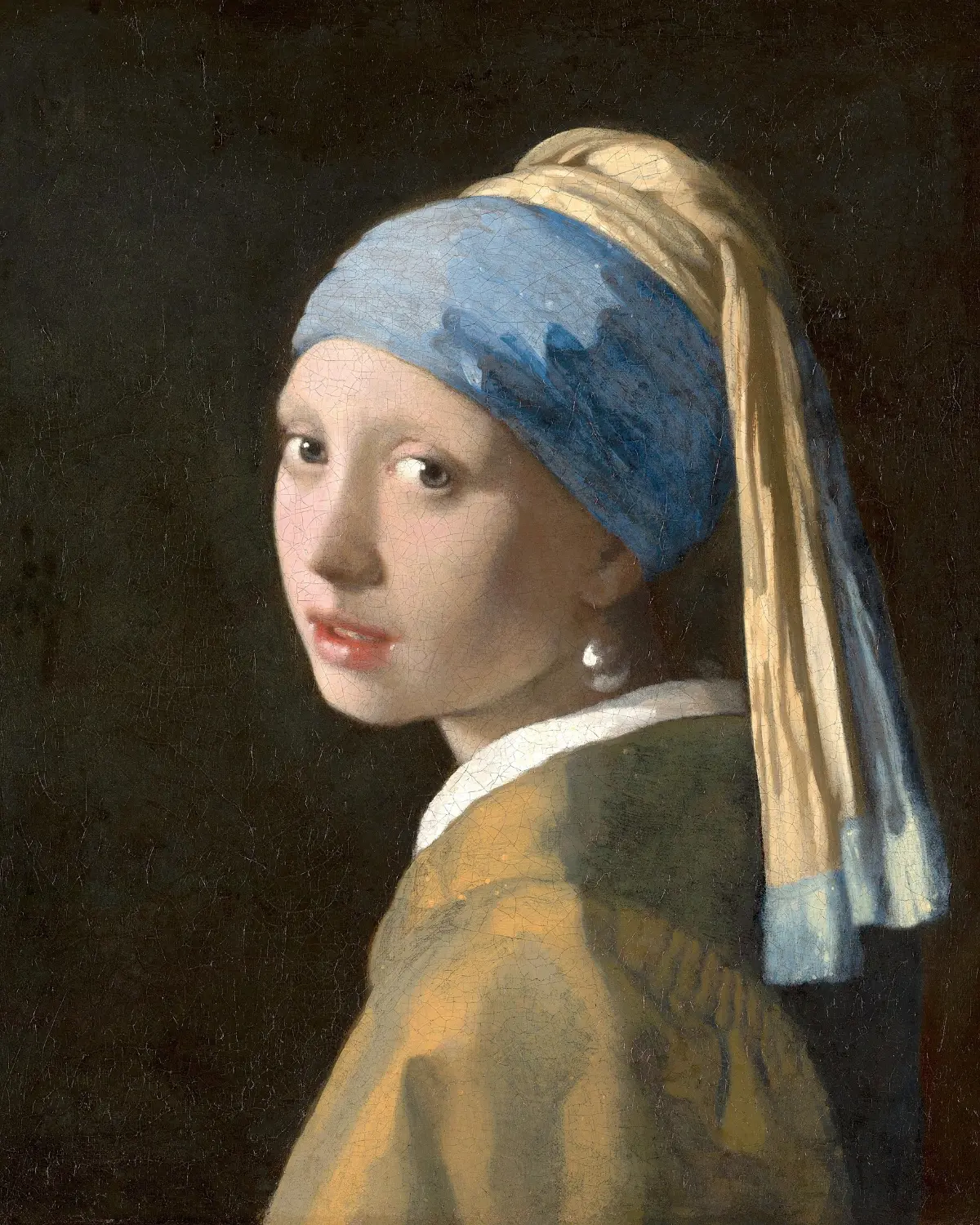

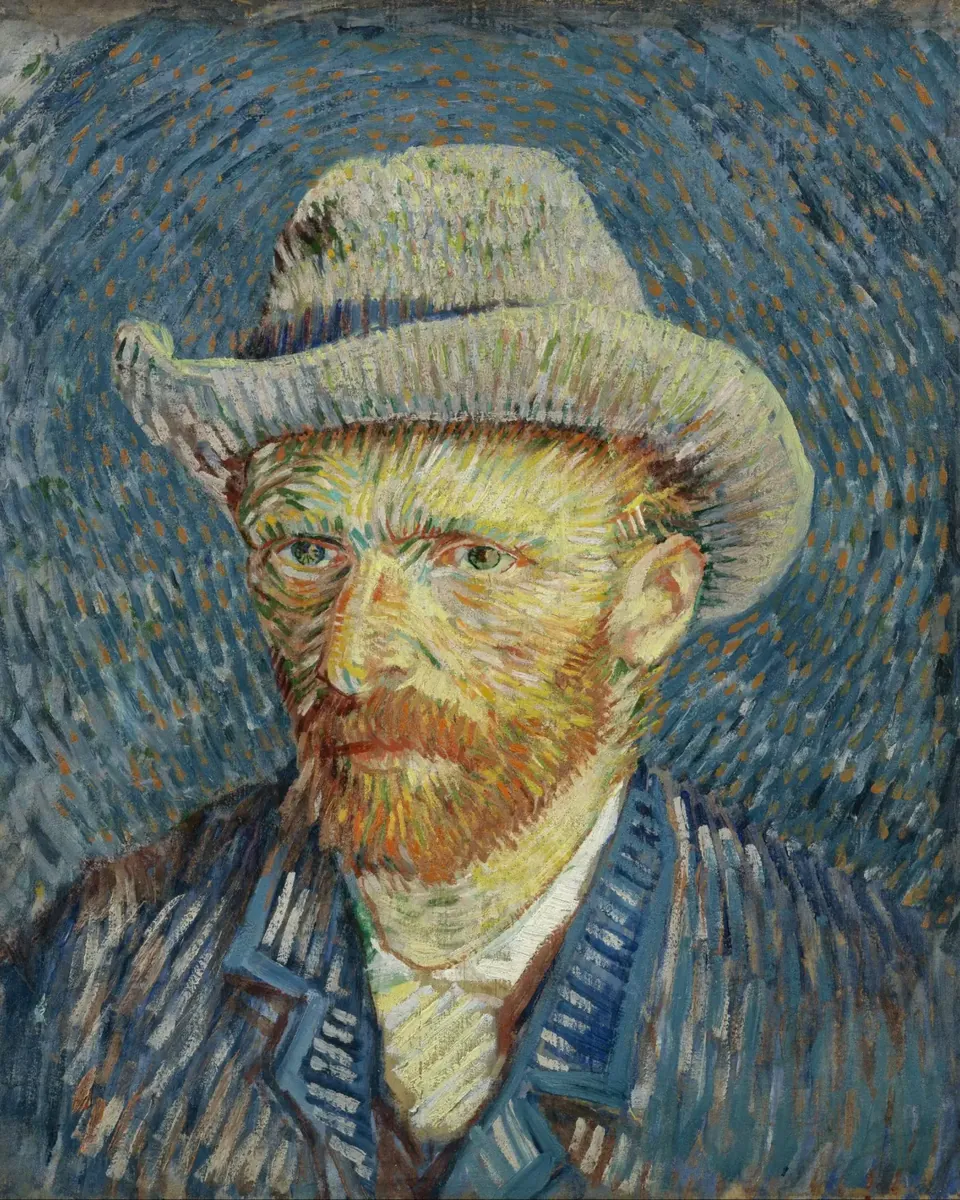
Vincent van Gogh
Created for “Vincent: Between Madness & Wonder” by Alegria Exhibition.
Read the Case Study →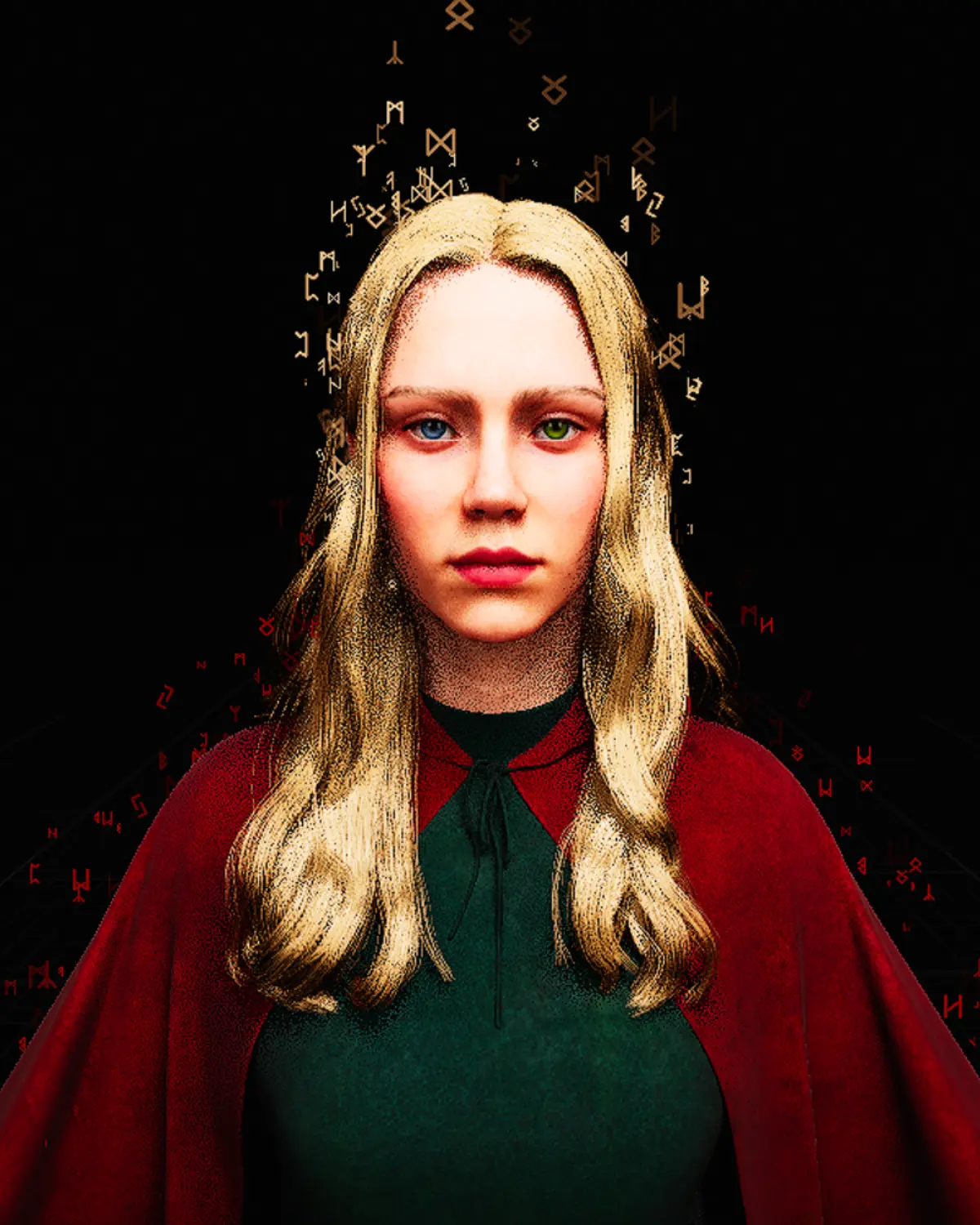
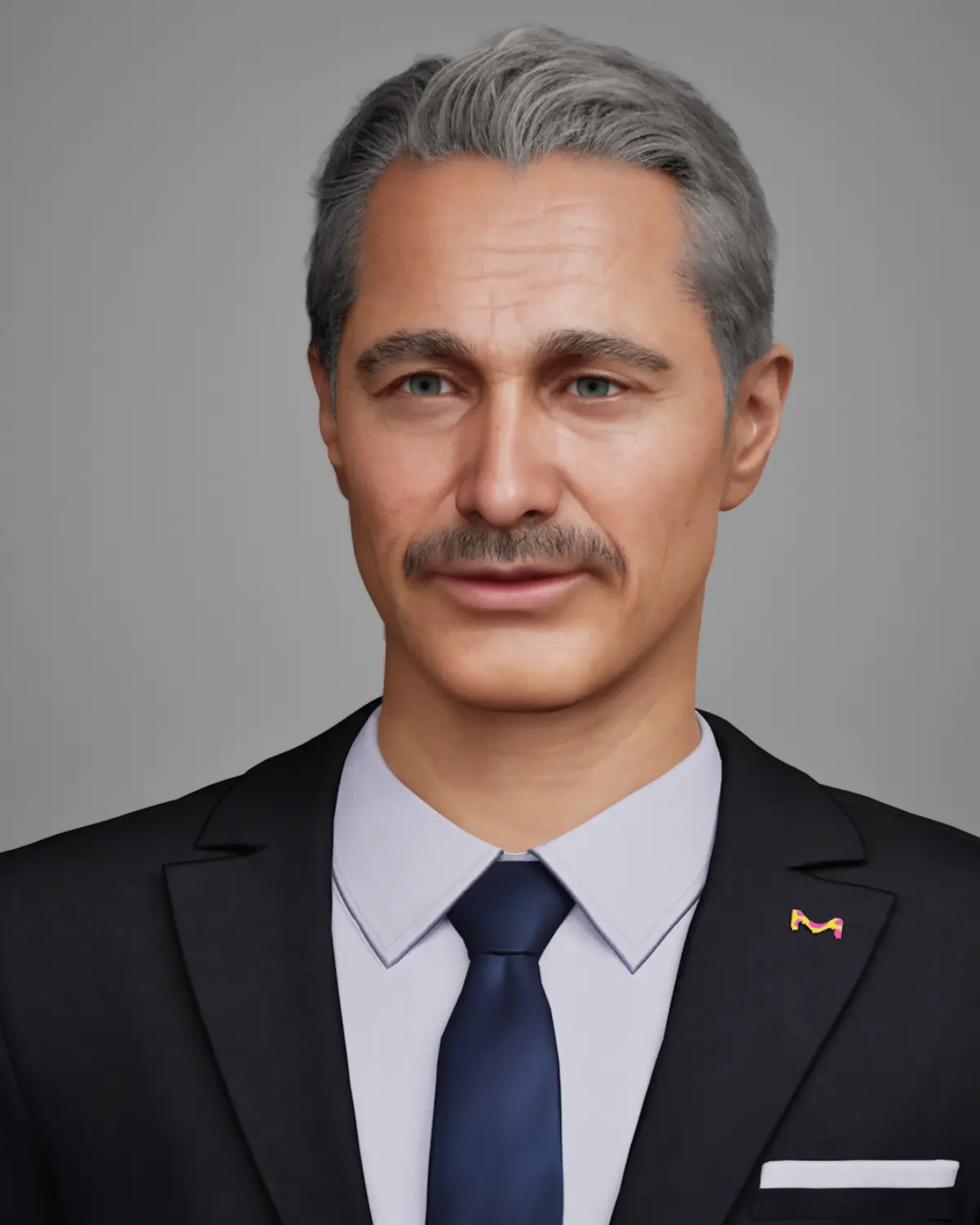
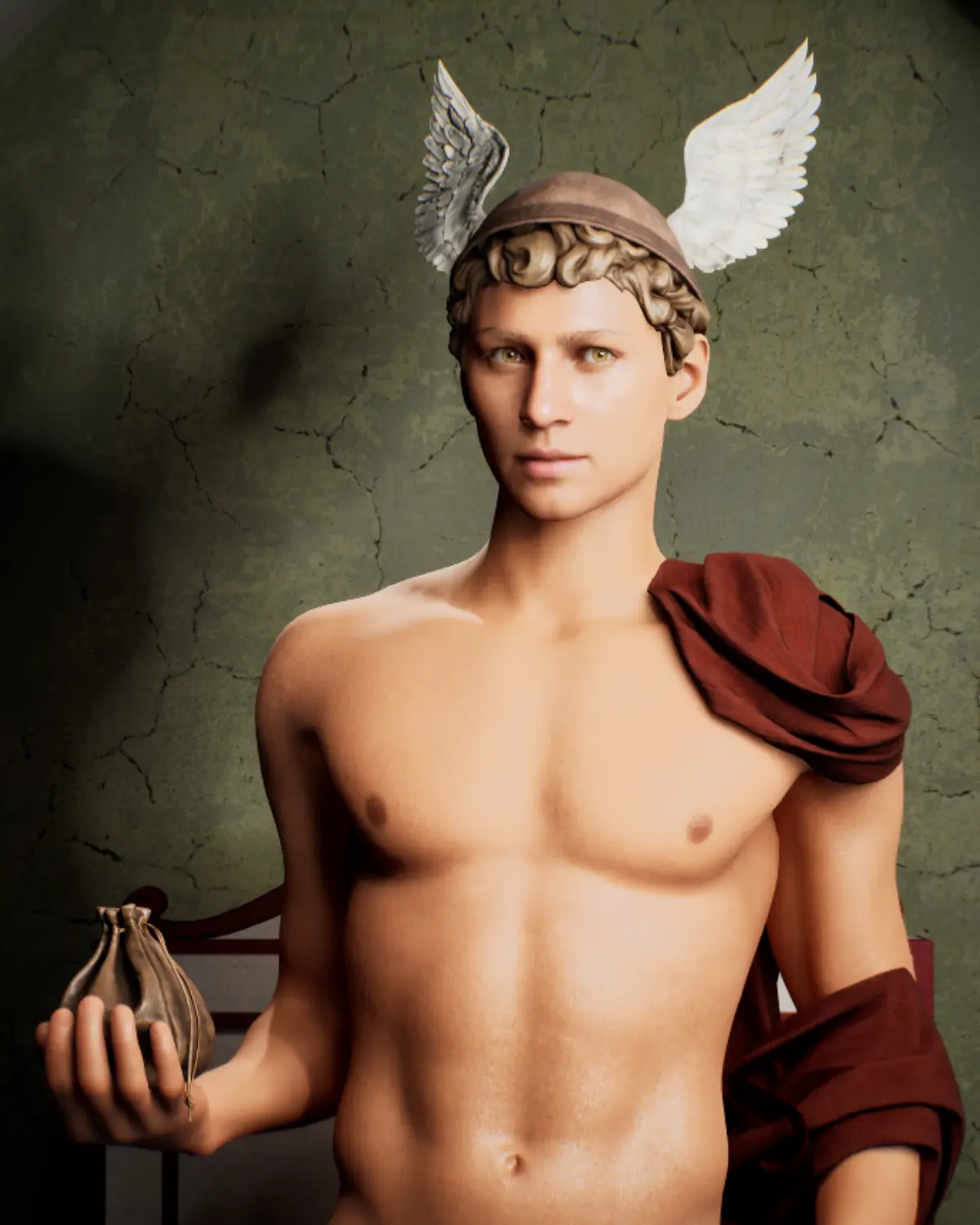
Alfred for MERCK
A Digital Human brand host. Created once and used in Darmstadt and South Korea.
Read the Case Study →
Can visitors really ask anything?
They can ask anything. The character answers only within the knowledge and topics you approved, and declines the rest the way you defined.
What happens when it doesn’t know the answer?
It says so, in its own voice, and offers what it does know. The wording is agreed with you and tested before launch.
Is visitor speech stored?
Not by default. Conversation logging and transcripts are separate settings, switched on only if you choose.
Can it run without the internet?
Yes. On-Premise, everything runs on a computer in your building, even offline. Hybrid uses selected cloud AI and voices, billed by usage.
Can our team update the character after launch?
Yes. Add facts, upload documents, change scripted lines and fix pronunciation in the Character Editor. The two-hour handover covers all of it.
Does the character learn from visitors?
No. It never trains on what visitors say. Its knowledge changes only when your team changes it.
Create a character people can talk to
Start with one artwork, historical figure, expert, product or brand character. We will help you define the experience, the knowledge setup and the installation.