
Bring a character to life with storytelling and interaction
Turn an artwork, historical figure, expert, host or brand character into an interactive experience with animation, voice and storytelling.
Lite creates a character that speaks, moves and shares approved content through pre-produced animation. Every word, movement and interaction is designed before launch, so your team stays in control. With Lite Plus, visitors also choose topics and explore different parts of the story.















Lite or Lite Plus?
Same character, same quality, same control. The only question: should visitors watch one story, or choose what they hear?
One story, told on a loop
It starts by itself, plays to the end and begins again.
- 1Visitor walks by
- 2The story plays
- 3The story ends
- 4Starts again by itself
Best when you have one strong story, fixed content and want zero operation.
Explore LiteVisitors choose a topic
A welcome video, a topic menu and one prepared answer per topic.
- 1Welcome video
- 2Visitor taps a topic
- 3The answer plays
- 4Back to the menu
Best for busy rooms and school groups, when visitors only have time for one or two topics.
Explore Lite PlusBoth include: custom Digital Human · animation & lip sync · script from your sources · AI voice · every line approved by you · runs offline
Side by side
Talking Paintings Lite
One story, told on a loop. It starts by itself, plays to the end and begins again.
WHAT’S ON THE WALL
- 1Custom Digital HumanYour character, animated and speaking
- 2FrameA classic gilded frame around your character
- 3Screen and playerShows the character and plays the story
- 4CameraOPTIONALStarts the story when someone steps up
- 5Presence or motion sensorOPTIONALThe story starts when someone steps in front of the portrait
What’s included
Custom digital character
Your artwork, historical figure or brand character, built as a 3D Digital Human.
Animation & lip sync
Facial expressions and mouth movement matched to every spoken word.
Script from your material
We write the story from your approved sources. You sign off every line.
AI voice
A natural, generated voice in the language of your choice.
Plays on a loop
Starts by itself, plays to the end, begins again. No staff needed.
Ready to play
Final video files, tested and set up for your screen.
Simple to run, fully under your control
Full control over every word
Every sentence and movement is prepared before launch. Your team approves the content, so the character says exactly the right thing, the same way, every time.
Nothing to run
No buttons, no staff, no internet. The portrait is always on, from opening to closing.
No visitor data
Lite doesn’t listen, record or process anything visitors say. There is nothing to review for data protection.
Fits almost any space
Framed on a wall, on a plinth or in a kiosk. The format is planned around your room and audience.
Upgrades & add-ons
Start with Lite as it is, or add what your space needs.
- Complex animation or full sceneBigger gestures, or a whole animated scene around the character
- Professional voice actorA studio-recorded performance, for a signature voice
- Additional languageThe same story in another language
- SubtitlesOn-screen text for accessibility and noisy rooms
- Historical or curatorial researchOur team researches the story and sources for you
- Curatorial concept & creative directionWe shape the concept, story arc and look with you
- Hardware setPlayer, 22" screen and gold frame, ready to hang
- Presence or motion sensorThe story starts when someone steps in front of the portrait
- Support planHelp and maintenance after launch
Good to know · three terms, explained
Loop
The video restarts on its own when it ends, so the portrait is always on without anyone pressing play.
AI voice or voice actor
An AI voice is generated by software: fast and affordable. A voice actor records your script in a studio for a signature performance.
Basic or complex animation
Basic brings the face to life: lips, eyes, subtle head movement. Complex adds bigger gestures or a whole animated scene.
Want visitors to choose what they hear, instead of one story?
See Lite PlusVisitors choose, the character answers
Everything in Lite, plus a menu. Visitors pick the topic they care about and hear a prepared, recorded answer.
Try it: tap a topic on the screen.
In your installation, the prepared answer for this topic plays here. Then the menu comes back by itself.
WHAT’S ON THE WALL
- 1Custom Digital HumanYour character, animated and speaking
- 2FrameA classic gilded frame around the touchscreen
- 3Touchscreen with topic menuVisitors tap to choose a topic. It doubles as the display for the character
- 4Physical push buttonOPTIONALA sturdy button instead of, or next to, the touchscreen
- 5Presence sensorOPTIONALStarts the welcome when someone steps up. It doesn’t record or identify anyone
- 6CameraOPTIONALNotices visitors and starts the welcome
- 7Mini PCHidden behind the screen, runs the menu and plays the clips
What’s included
Everything in Lite
Custom character, animation, lip sync, script and AI voice.
Welcome video
The character greets visitors and invites them to choose a topic.
Topic menu
A custom start screen with one button per topic, designed to match your space.
Prepared answers
Each topic is its own scripted, animated clip, approved by you.
Touch, button or sensor
Visitors tap a touchscreen, press a physical button or simply step closer.
Resets by itself
Returns to the menu automatically, ready for the next visitor.
Visitors steer. You stay in control.
Visitors steer, you stay in control
Visitors decide what they hear, but every answer is written, recorded and approved before launch.
Short visits, deeper stories
Instead of one long film, visitors pick the one or two topics they care about. It works well for busy rooms and school groups.
Always ready for the next person
After each answer, the menu comes back by itself. No staff needed.
Upgrades & add-ons
Start with Lite Plus as it is, or add topics, languages and hardware as your space needs.
- Additional topicOne more scripted, animated answer, about 45 seconds long
- Hardware setMini PC, 22" touchscreen, gold frame and setup
- Physical push buttonA sturdy button instead of, or next to, the touchscreen
- Custom control panelA control panel designed to match your exhibition
- Presence or motion sensorThe welcome starts when someone steps up
- Professional voice actorA studio-recorded performance, for a signature voice
- Additional languageEvery topic in another language
- Historical or curatorial researchOur team researches the topics and sources for you
- Support planHelp and maintenance after launch
- Content changes after launchNew or updated topics once the installation is live
Good to know · three terms, explained
Touchscreen
A screen visitors tap to choose a topic, like a smartphone. It doubles as the display for the character.
Presence sensor
A small sensor that notices when someone steps in front of the painting and starts the welcome. It doesn’t record or identify anyone.
Mini PC
A compact computer hidden behind the screen. It runs the menu and plays the clips, and it is needed for every interactive setup.
Want visitors to ask their own questions?
Explore Talking Paintings AIWhere Lite and Lite Plus are used
Museums & galleries
Artworks and historical figures come closer through story, animation and voice, while curators keep control of every word.
Heritage sites
Introduce the people behind a place, the same way on every tour, in every season.
Attractions & entertainment
A character visitors discover along the way, reliable through peak hours without supervision.
Temporary exhibitions & pop-ups
Fixed content, fixed timeline, fixed budget. Lite fits projects where all three are already set.
Public spaces & visitor areas
Welcome people, share information or create a moment in a busy spot, with an interaction anyone understands in three seconds.
What your project includes
- ✓Character design
- ✓Animation production
- ✓Script from your sources
- ✓AI voice (voice actor on request)
- ✓Interaction designLITE PLUS
- ✓Hardware planning
- ✓Installation support
- ✓Operator handover
You provide the story, sources, audience details and approval. We build the experience around your space and goals.
Want visitors to have real conversations?
Talking Paintings AI lets visitors ask their own questions and get live answers, only from knowledge you approve.
Explore Talking Paintings AI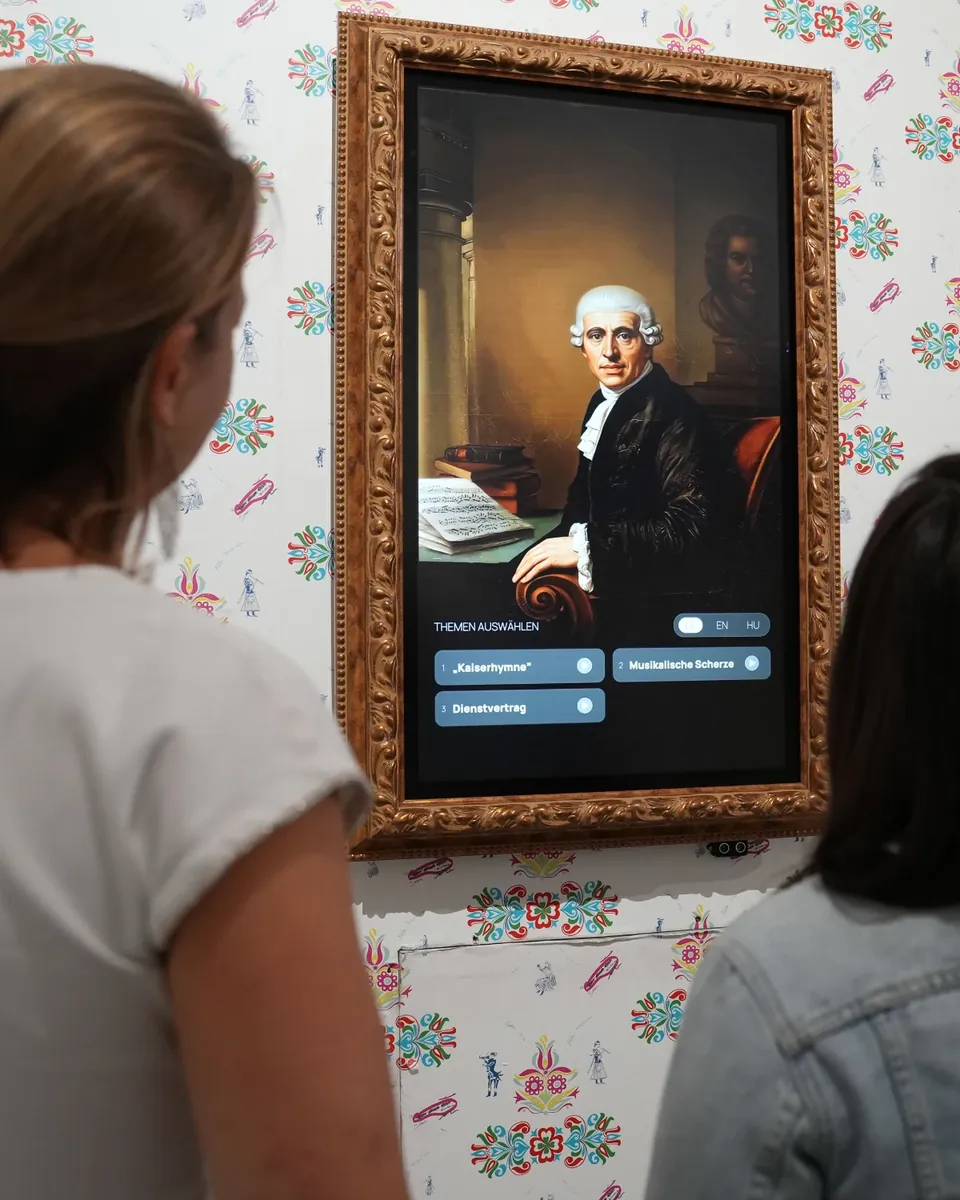
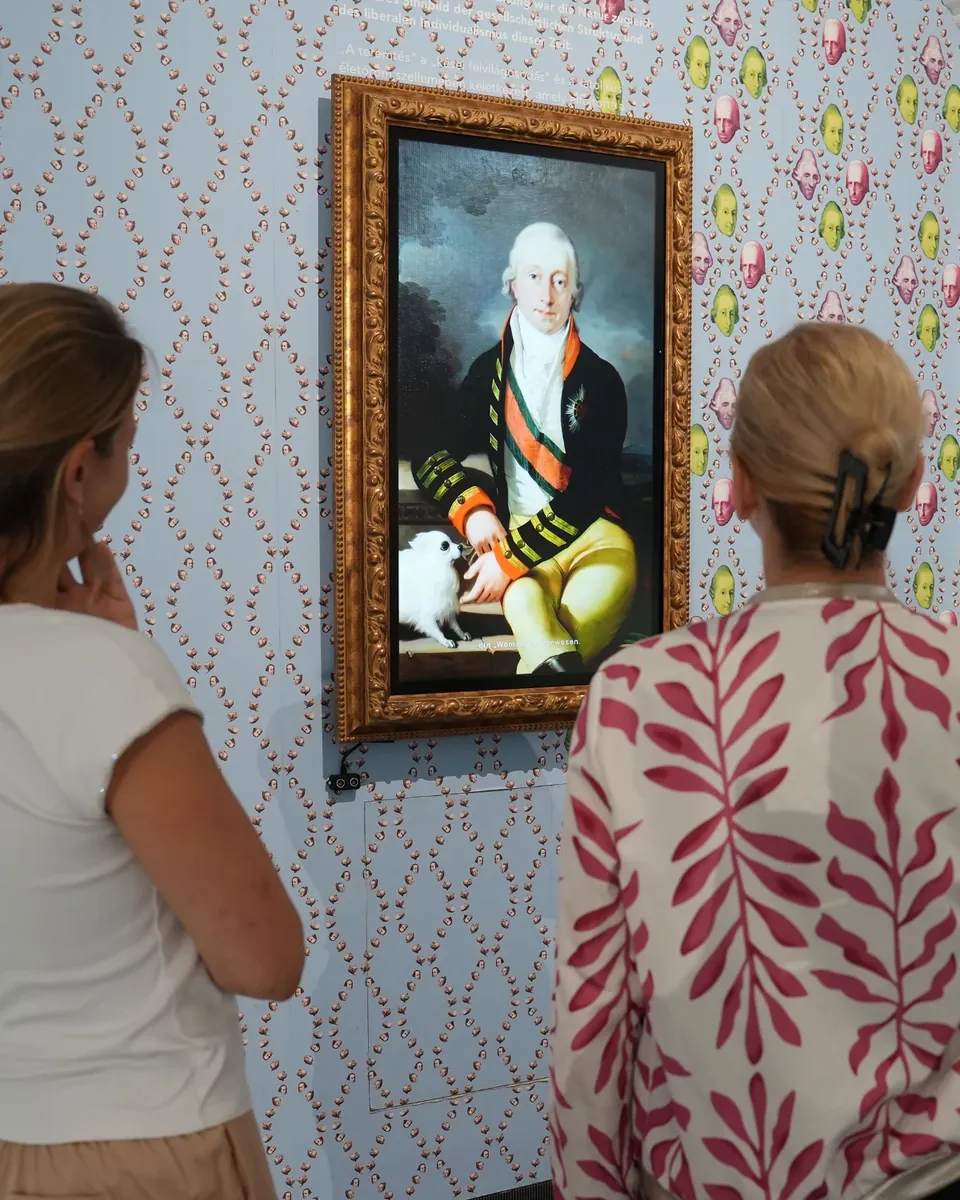
Bringing historical characters to life
Visitors meet Joseph Haydn, who worked at the Esterházy court for 40 years, and hear stories from his life and work. Prince Esterházy shares the story of his eventful life through an animated digital character.
The project shows how technology and storytelling create a new form of museum communication: more personal, accessible and memorable, while the institution stays fully in control of the content.
“Today, the composer Joseph Haydn, who worked here for 40 years, speaks directly to our visitors, and Prince Esterházy also shares the story of his eventful life with our guests. With these digital paintings, we have taken another step towards contemporary museum communication.”
In the news
Click any logo to read or watch the original coverage.











Real characters, real institutions.
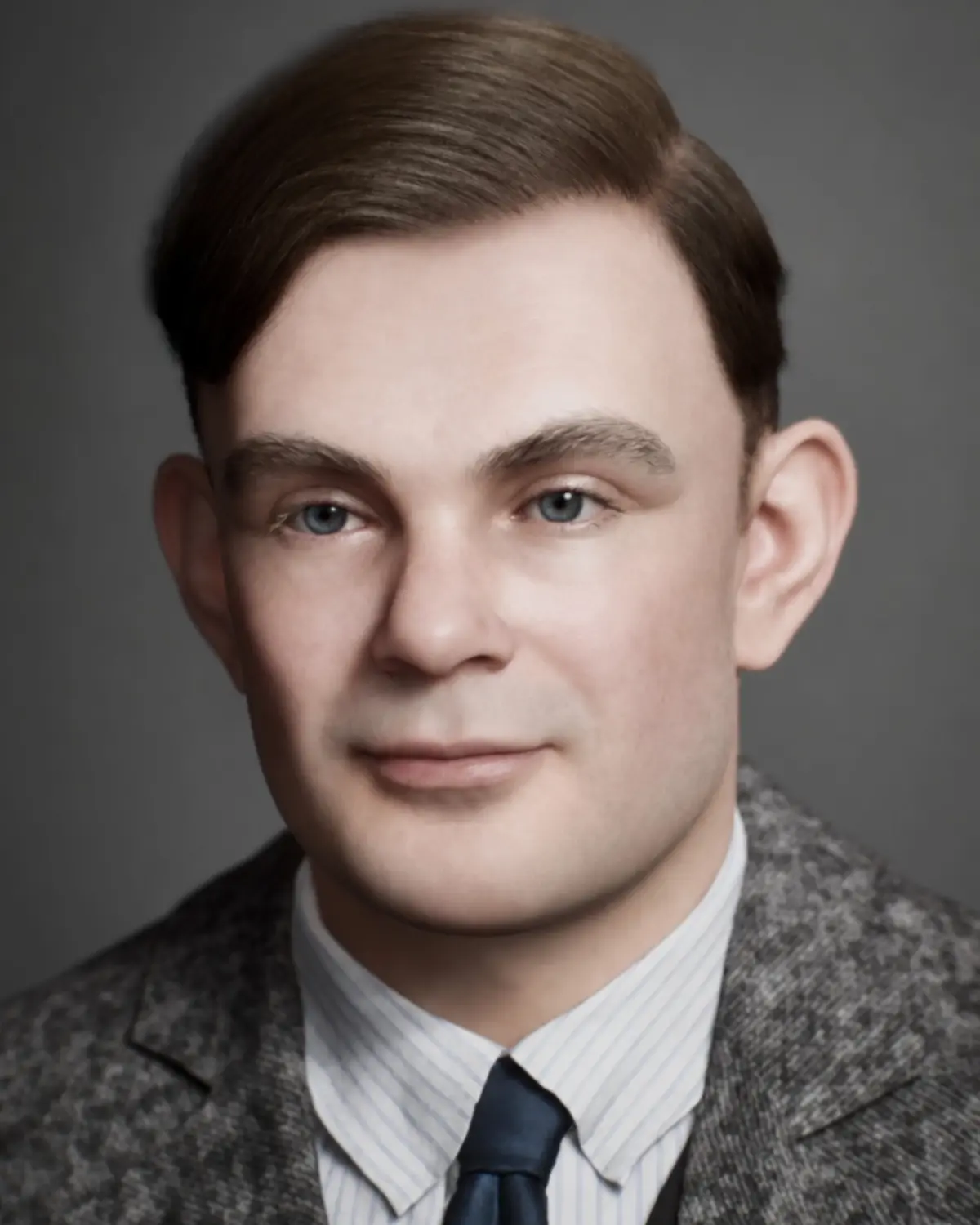
Alan Turing
Museum für Kommunikation Frankfurt. Shortlisted for the DigAMus Award 2026.
Read the Case Study →
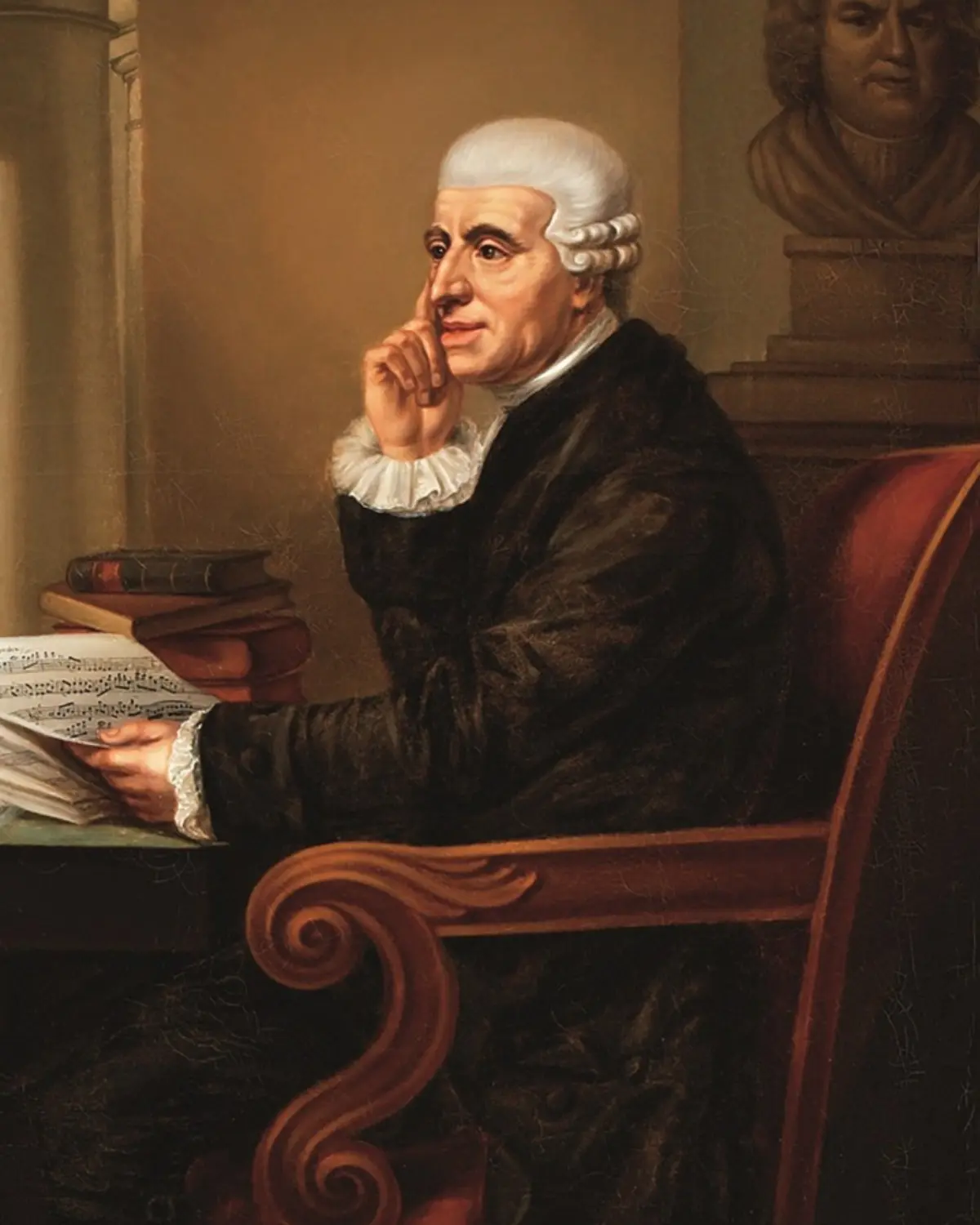
Joseph Haydn
Schloss Esterházy and Burg Forchtenstein. A Talking Paintings Lite character.
Read the Case Study →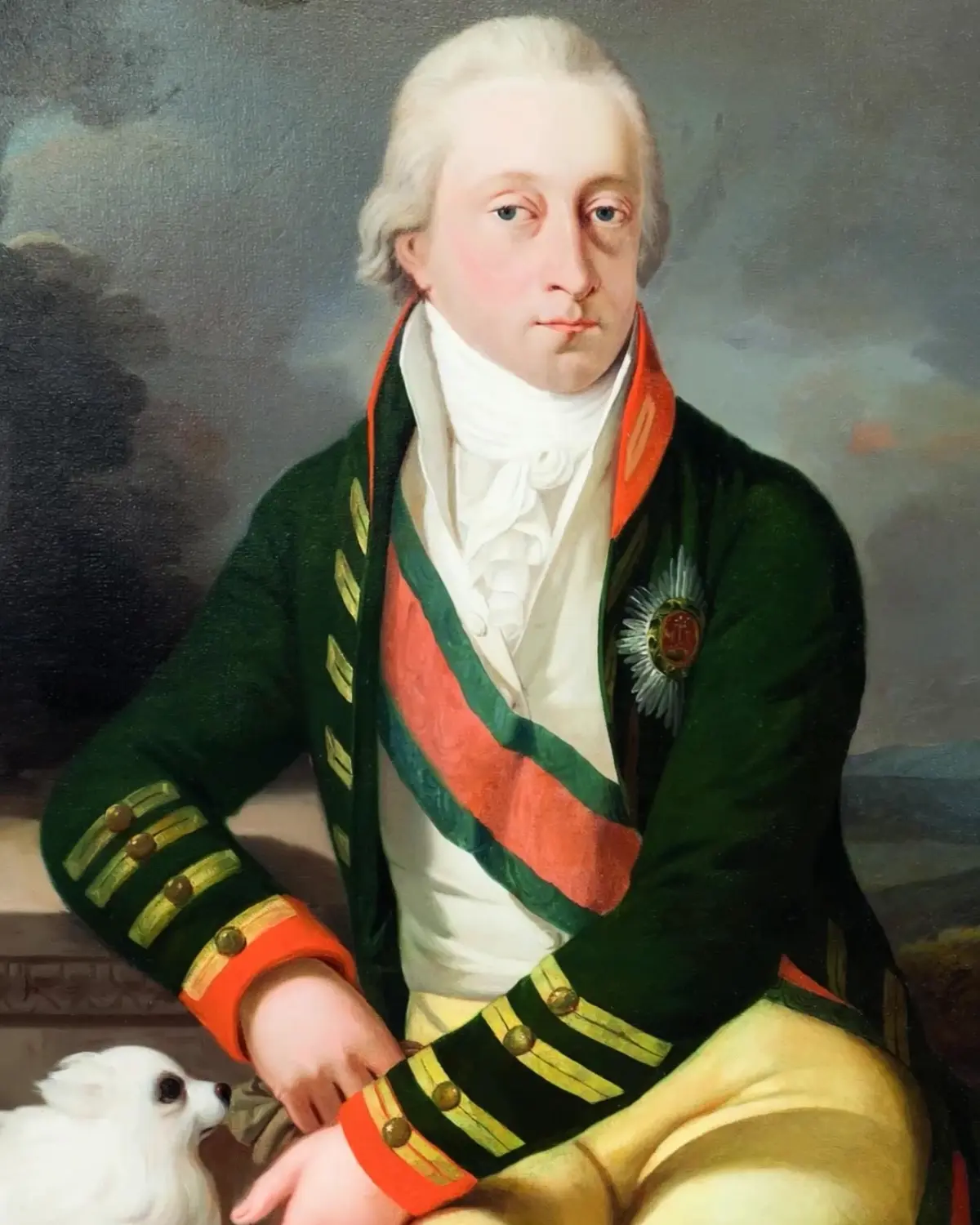
Prince Esterházy
Schloss Esterházy, Eisenstadt. Shares his own family history with visitors today.
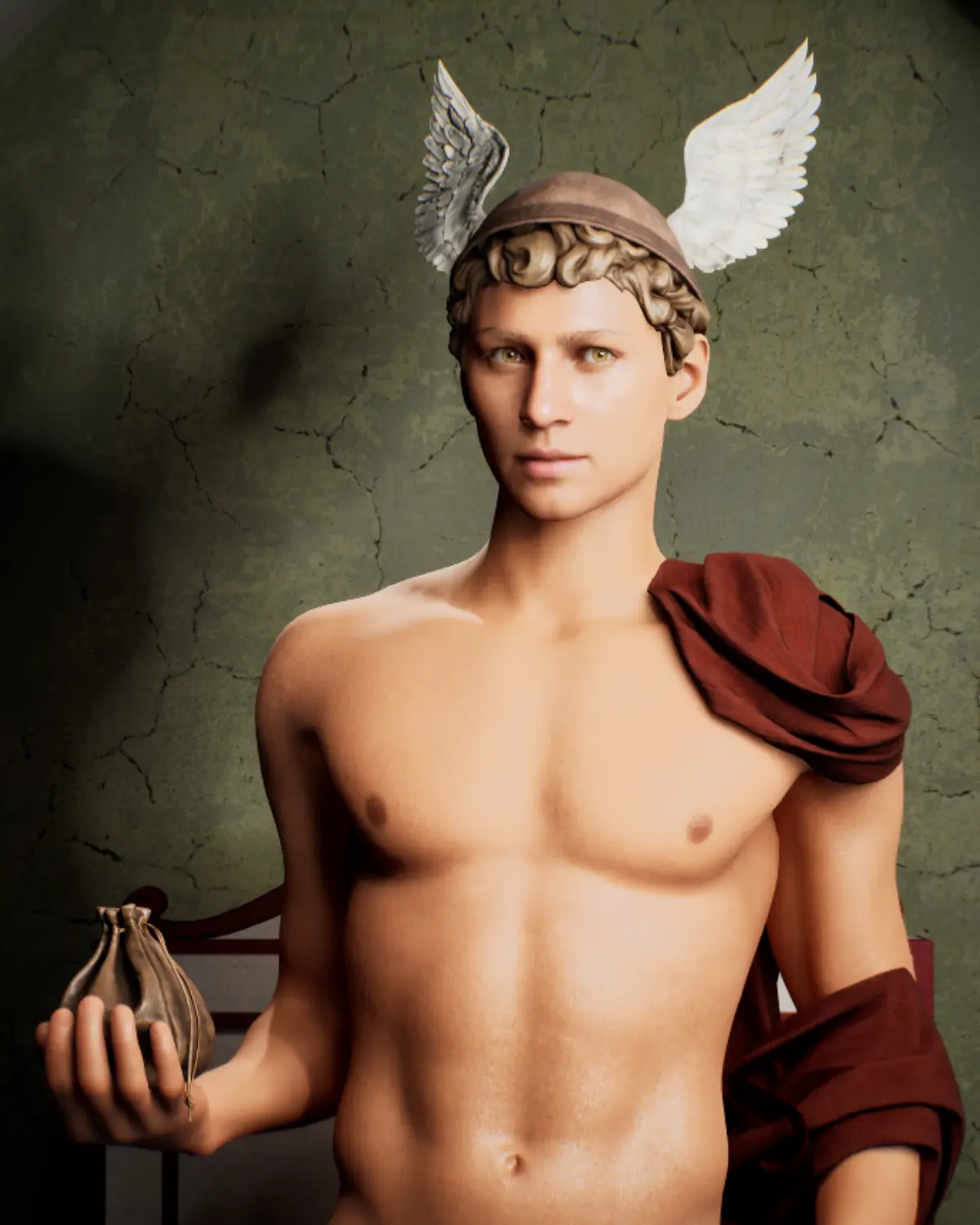
Read the Case Study →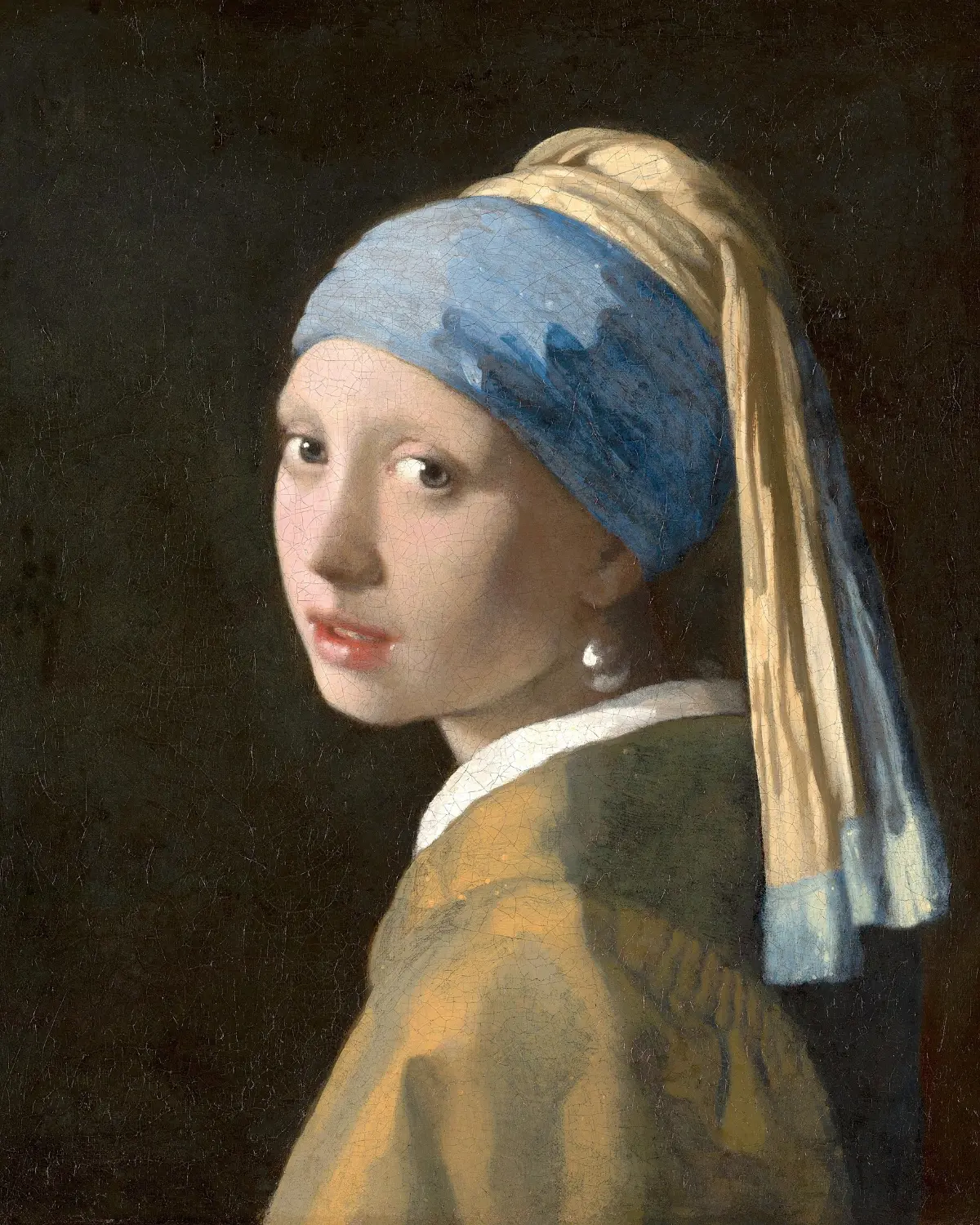

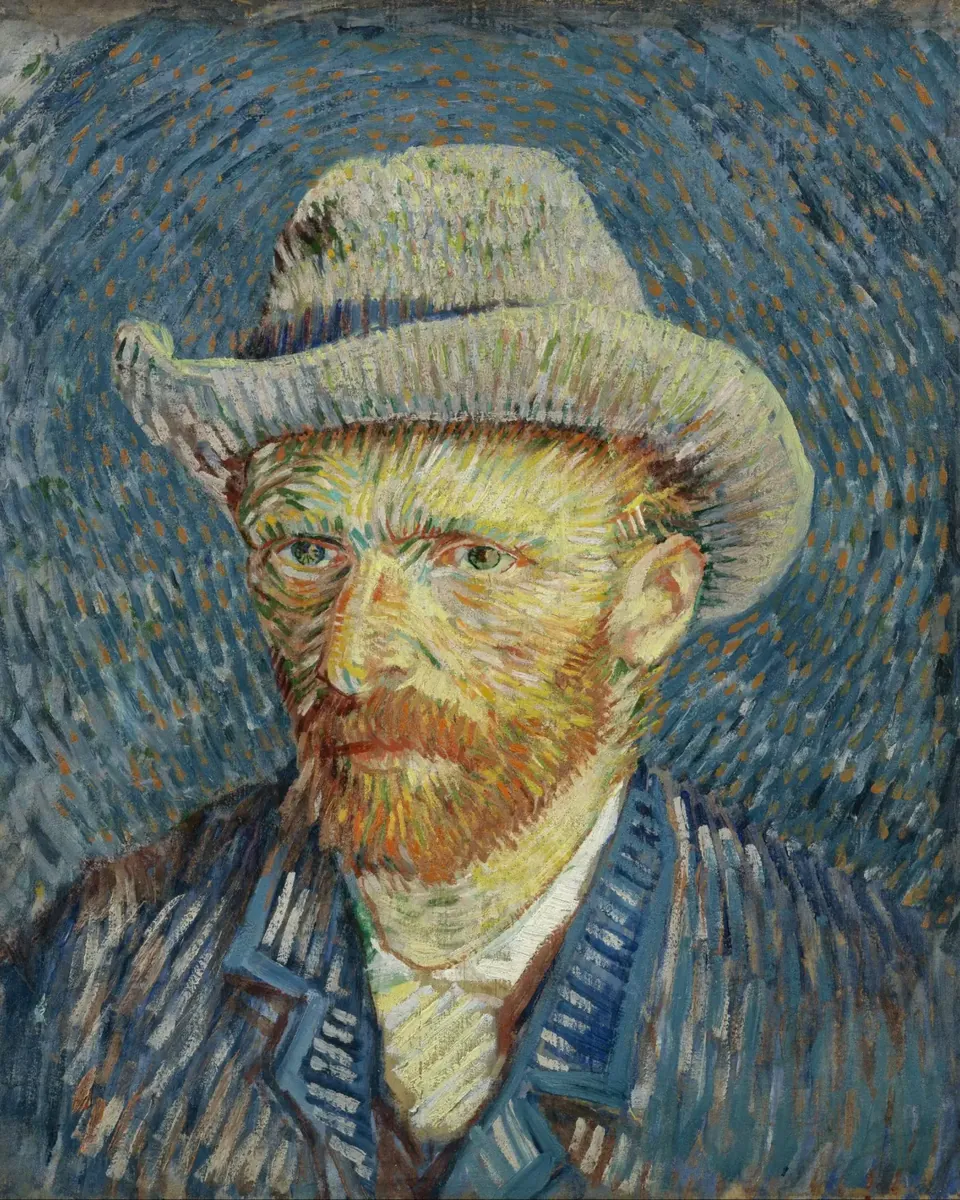
Vincent van Gogh
Created for “Vincent: Between Madness & Wonder” by Alegria Exhibition.
Read the Case Study →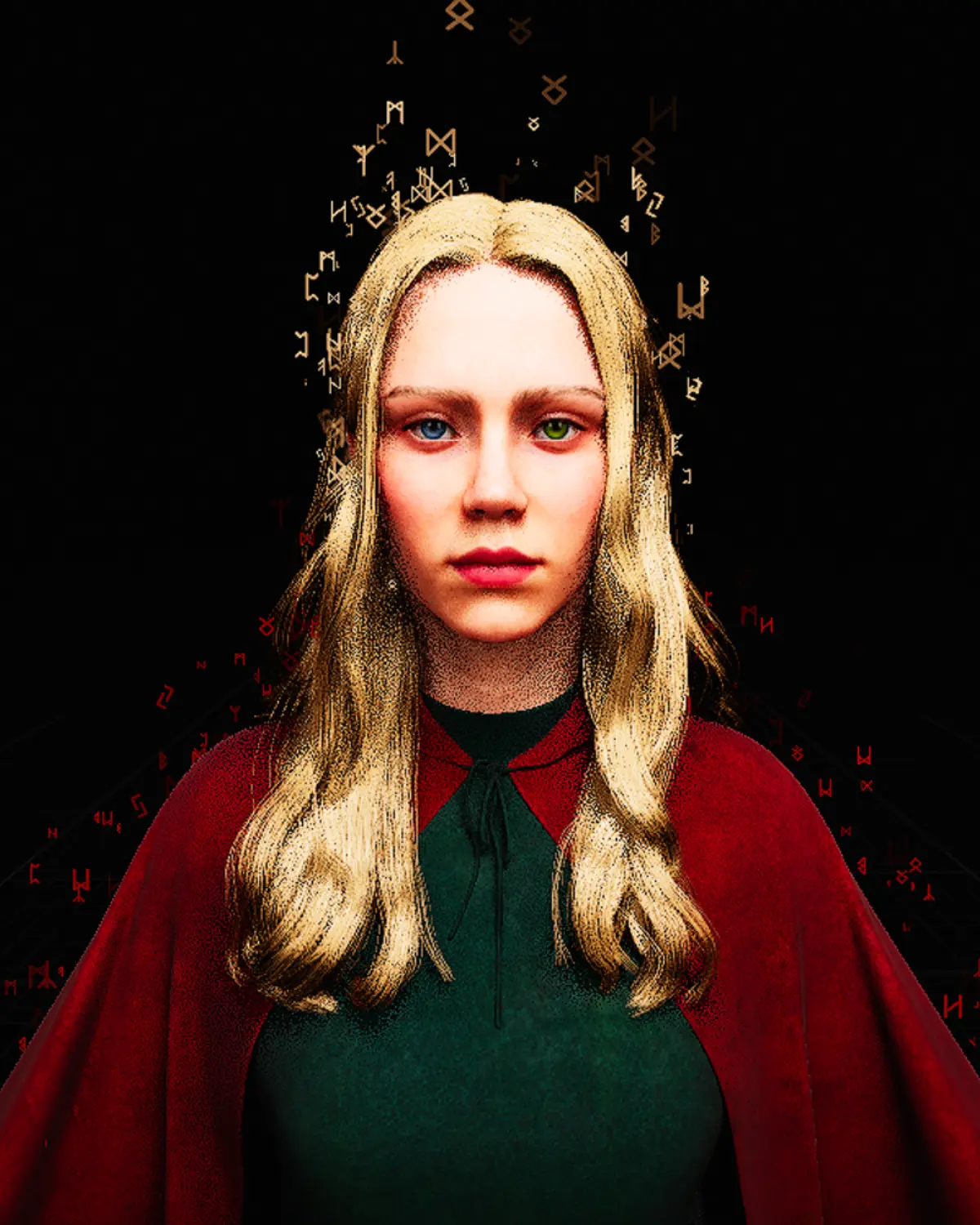
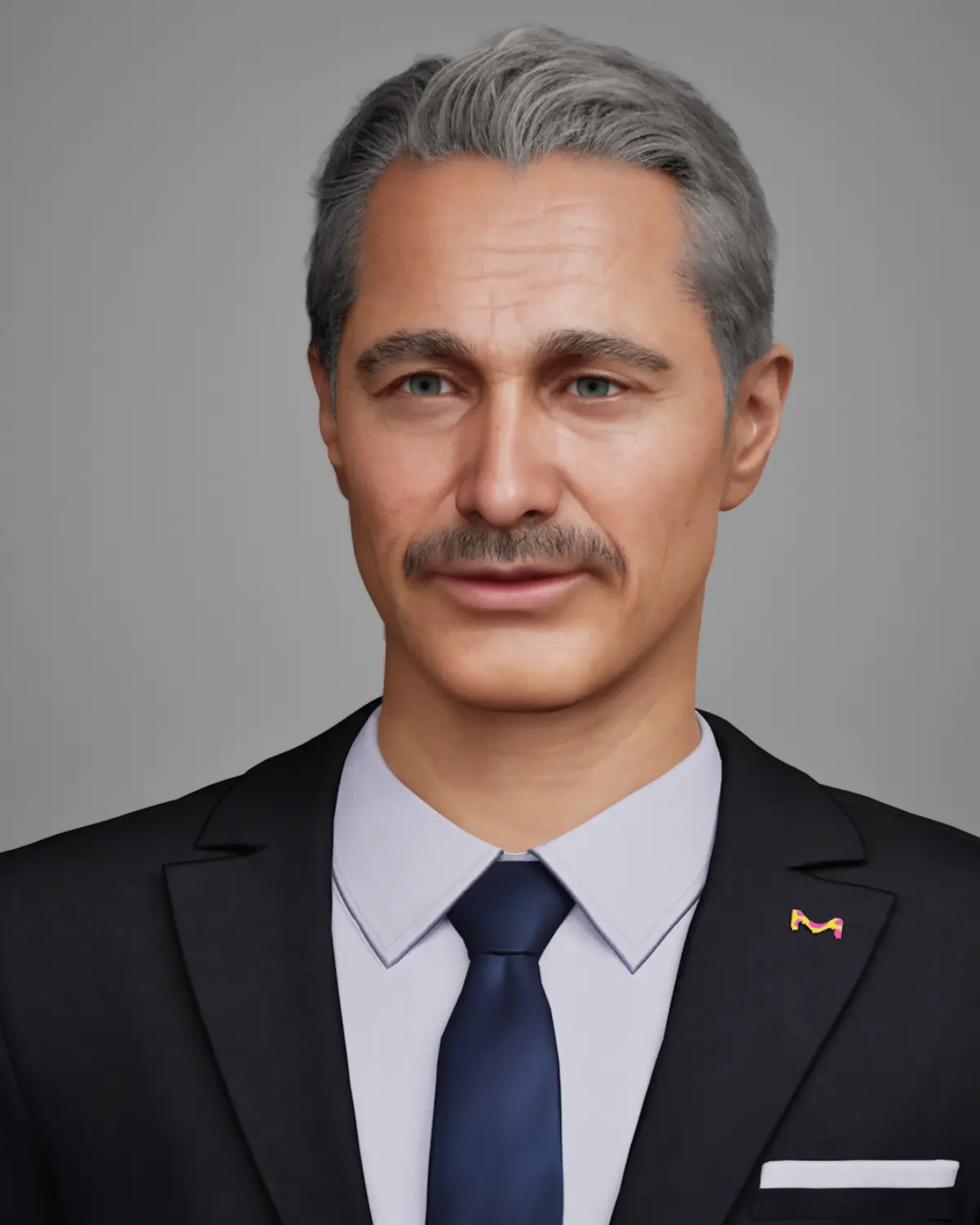
Alfred for MERCK
A Digital Human brand host. Created once and used in Darmstadt and South Korea.
Read the Case Study →
What’s the difference between Lite and Lite Plus?
Lite plays one prepared story on a loop, the same for every visitor. Lite Plus adds a welcome video and a topic menu: visitors choose a topic and hear the matching prepared answer.
Can we build a character from our own artwork?
Yes. Lite can be built around an artwork, historical figure, expert, host, product or brand character, as long as the rights are available.
Do we need staff or internet to run it?
No. Both run offline, start by themselves and reset automatically. Your team gets a short handover.
Does it record visitors?
No. Lite doesn’t listen or record at all. In Lite Plus, a presence sensor or camera only notices that someone is there; it doesn’t record or identify anyone.
Can the content be updated after launch?
Yes, as a production step: new scripts, recordings or topics. Lite Plus can add topics later as an add-on.
Can we add more languages or subtitles?
Yes. Additional languages and subtitles are available as add-ons.
Bring your portrait to life
Tell us what you want your audience to experience, and we will help you choose between Lite and Lite Plus and plan the content and setup.