
Make any subject easier to ask about.
Turn scientists, historical figures, experts, guides and public information characters into AI-powered Digital Humans that people talk to in real time.
Learners and visitors ask their own questions, explore topics in more than 32 languages, and receive answers adapted to their age, knowledge level and needs. Talking Paintings does not replace teachers, educators, signage or existing information. It adds another way to learn and find what people need.


























Make history easier to ask about.
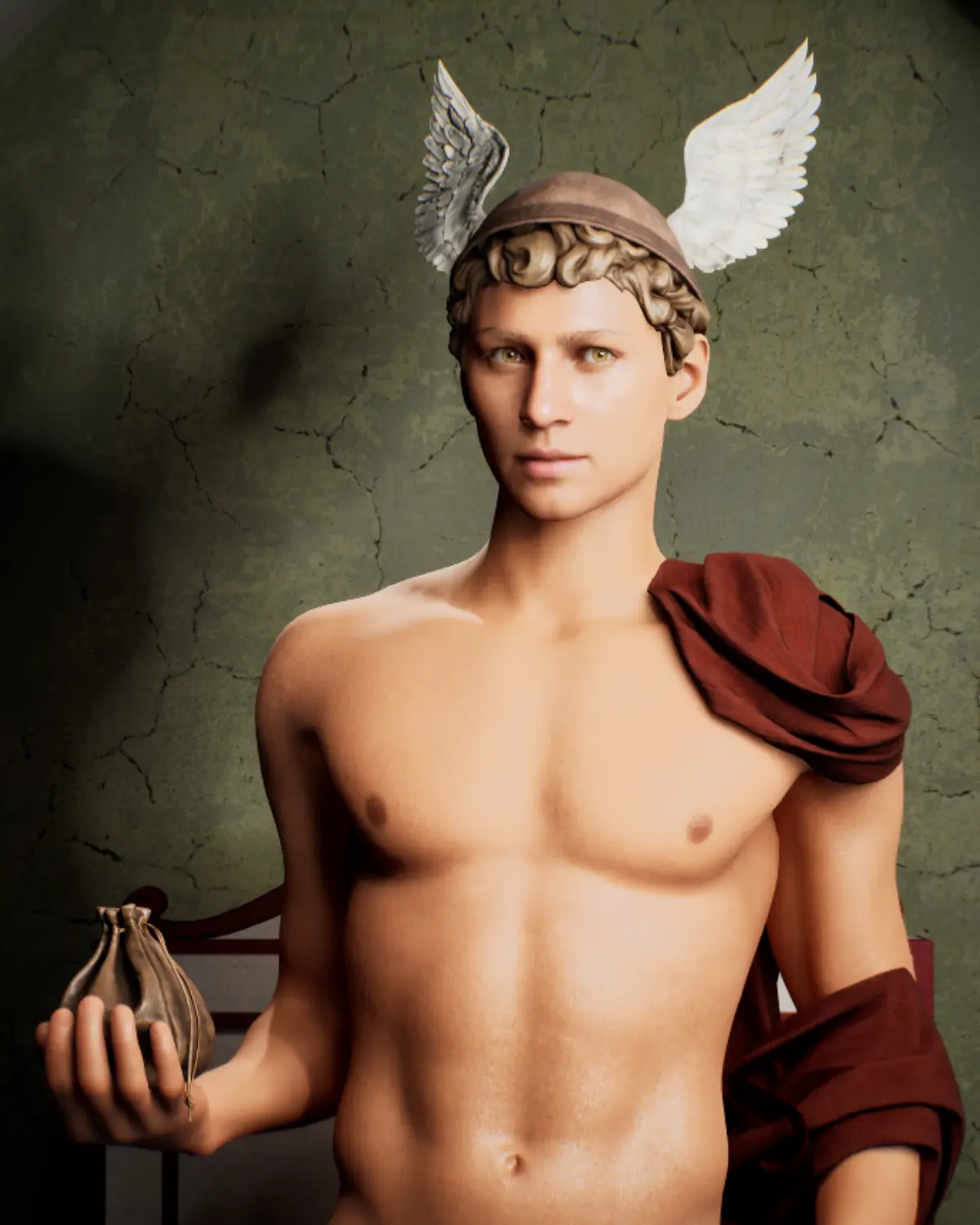
At IPAI Heilbronn, Mercury becomes a Digital Human visitors can interact with directly, turning historical knowledge into an approachable conversation.
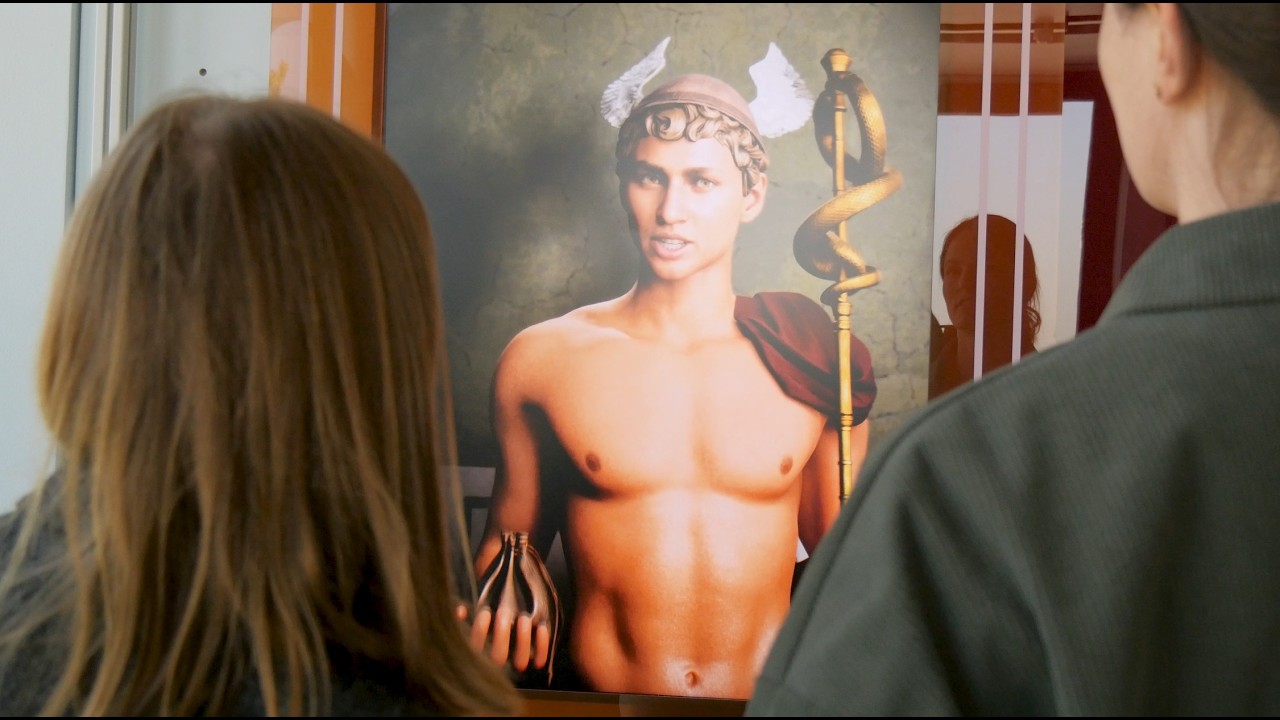
Mercury × IPAI Heilbronn · Städtische Museen Heilbronn / Museum im Deutschhof
Read the Mercury Case StudyStructured learning, or open exploration.
 Talking Paintings Lite
Guide people through key information
Pre-produced storytelling explains a subject, shares public information or guides learners through a clear, consistent experience.
Explore Talking Paintings Lite Talking Paintings AI
Let people ask what they want to know
Learners and visitors ask their own questions and get real-time answers from your approved educational or public information content.
Explore Talking Paintings AI Talking Paintings Rental
Test before you purchase
Bring Talking Paintings to your educational, tourism or public space through a flexible rental, then decide on a permanent installation.
Request Rental PricingReach more people, improve access and support your team with one interactive experience.
Reach more audiences
Support different ages and audiences with flexible explanations in more than 32 languages.
Increase engagement
Invite people to ask questions, explore topics and engage with knowledge through conversation.
Give your team more time
The character answers common questions while your team focuses on personal support.
Make knowledge accessible
Voice, text, multilingual and plain-language options make information easier to reach.
A personal way to learn
Everyone learns differently. Talking Paintings lets people ask their own questions, explore at their own pace, and get answers from your approved educational or public information content.
What learners and visitors experience
- 01A clear invitation shows how to start.
- 02The character welcomes them.
- 03They speak (push-to-talk) or type a question.
- 04The character answers from approved content.
- 05They ask follow-ups or explore another topic.
You stay in control
You define the approved sources, learning goals, age groups, language level, tone, sensitive topics, and how the character handles questions outside its knowledge.
Choose the right character
Bring a historical character, scientist, expert, fictional guide or public information character to life around your subject.
Use it for
Ask Alan Turing about AI, computing and technology.


At the Museum für Kommunikation Frankfurt, visitors speak directly with Alan Turing and explore computing, artificial intelligence, bias and misinformation.
Instead of following one fixed explanation, visitors choose what they want to know and continue at their own pace. It has become one of the most popular offerings in the permanent exhibition.
Every department gets what it needs.
Education
Content adapted to learning goals, age groups and knowledge levels.
Teachers & programme teams
A format that encourages learners to ask their own questions and explore independently.
Content owners
Control over sources, language, topics and restricted content, updated in the Character Editor.
Accessibility teams
Voice, text, plain language, multilingual content and different interaction formats.
IT & data protection
Online, hybrid, on-premise or offline deployment, and camera-free setups.
Operations
Hardware, sound, signage, installation, support and visitor flow planned around your space.
In the news
Click any logo to read or watch the original coverage.













Real characters, real institutions.

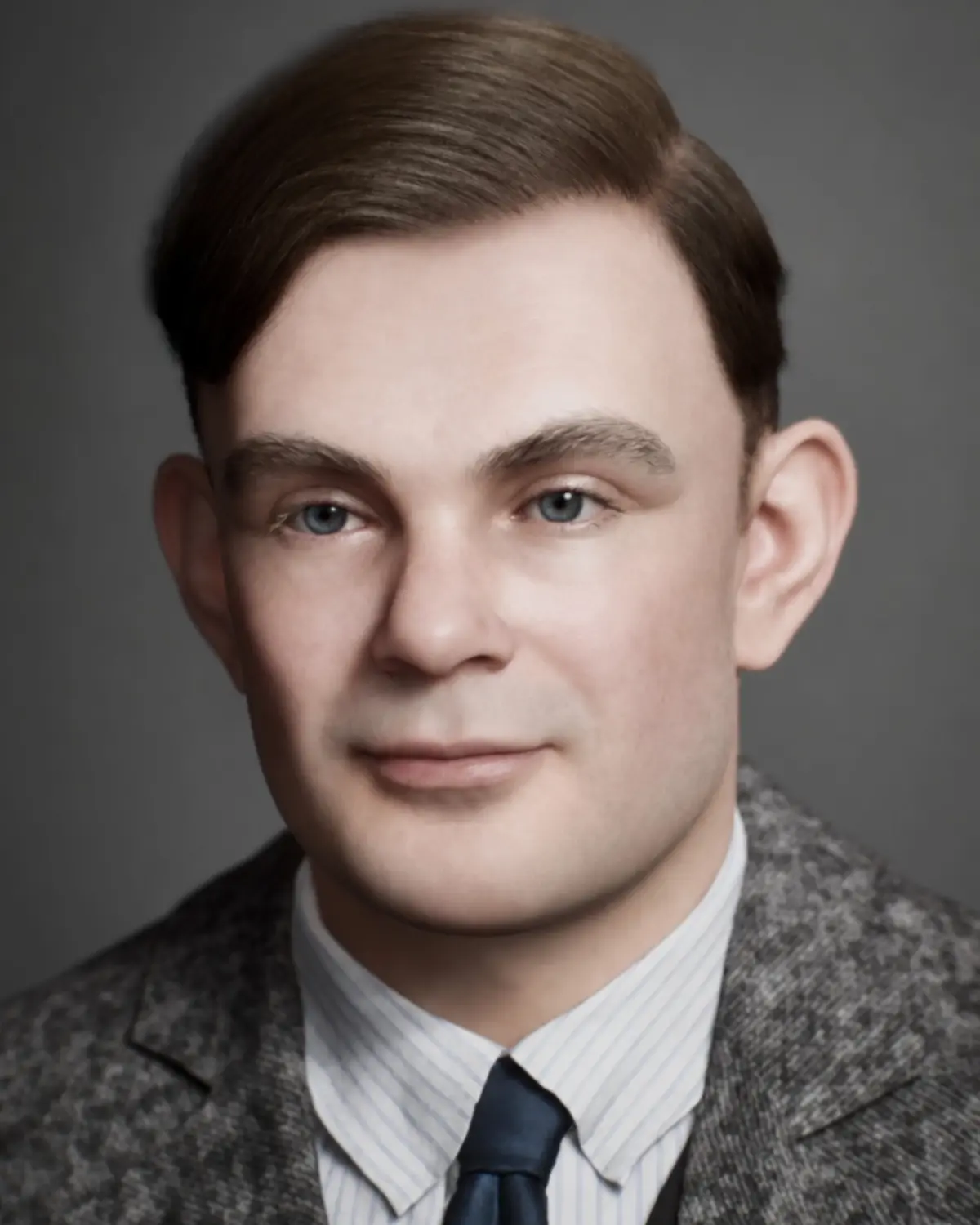
Alan Turing
Museum für Kommunikation Frankfurt. Shortlisted for the DigAMus Award 2026.
Read the Case Study →
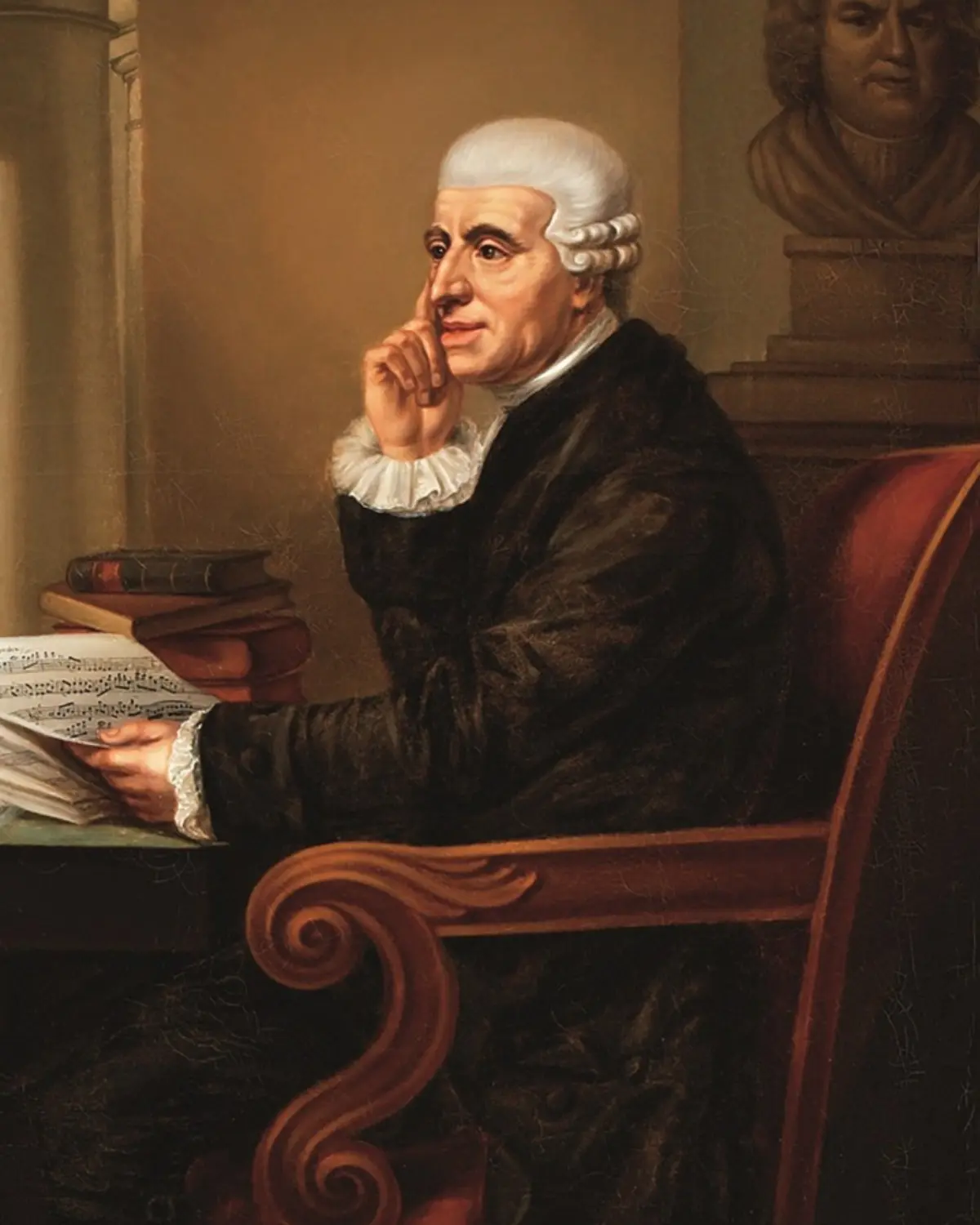
Joseph Haydn
Schloss Esterházy and Burg Forchtenstein. A Talking Paintings Lite character.
Read the Case Study →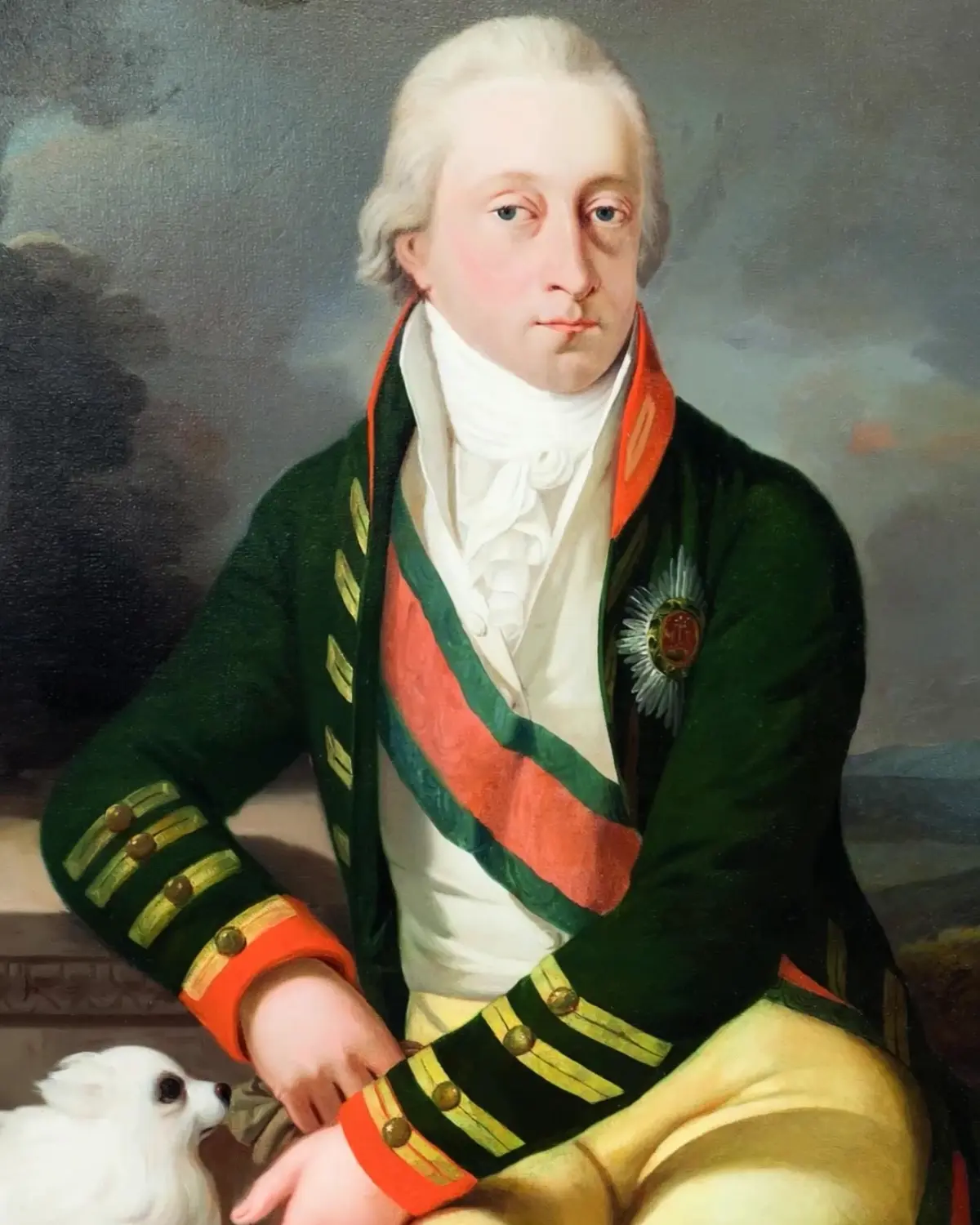
Prince Esterházy
Schloss Esterházy, Eisenstadt. Shares his own family history with visitors today.
Read the Case Study →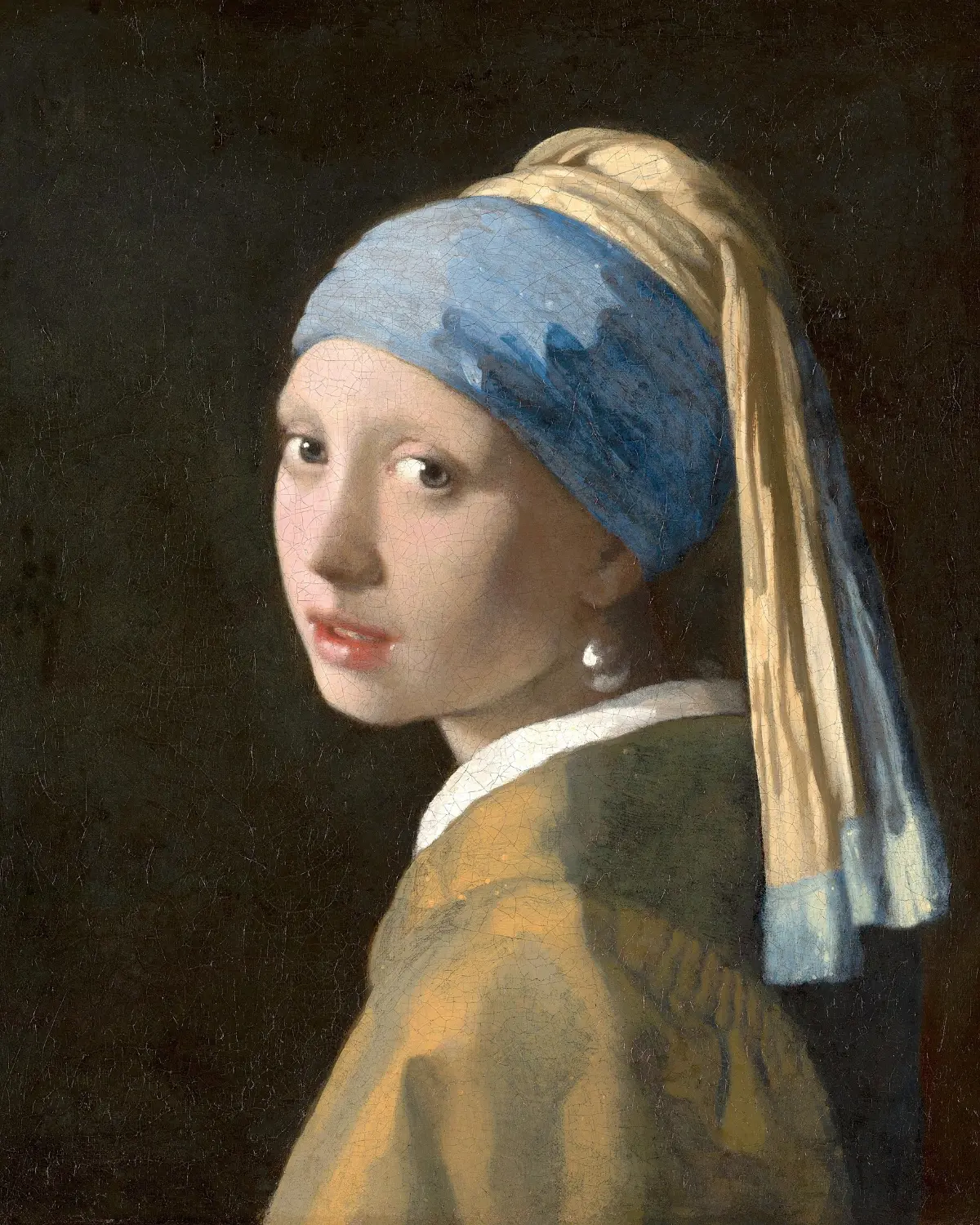

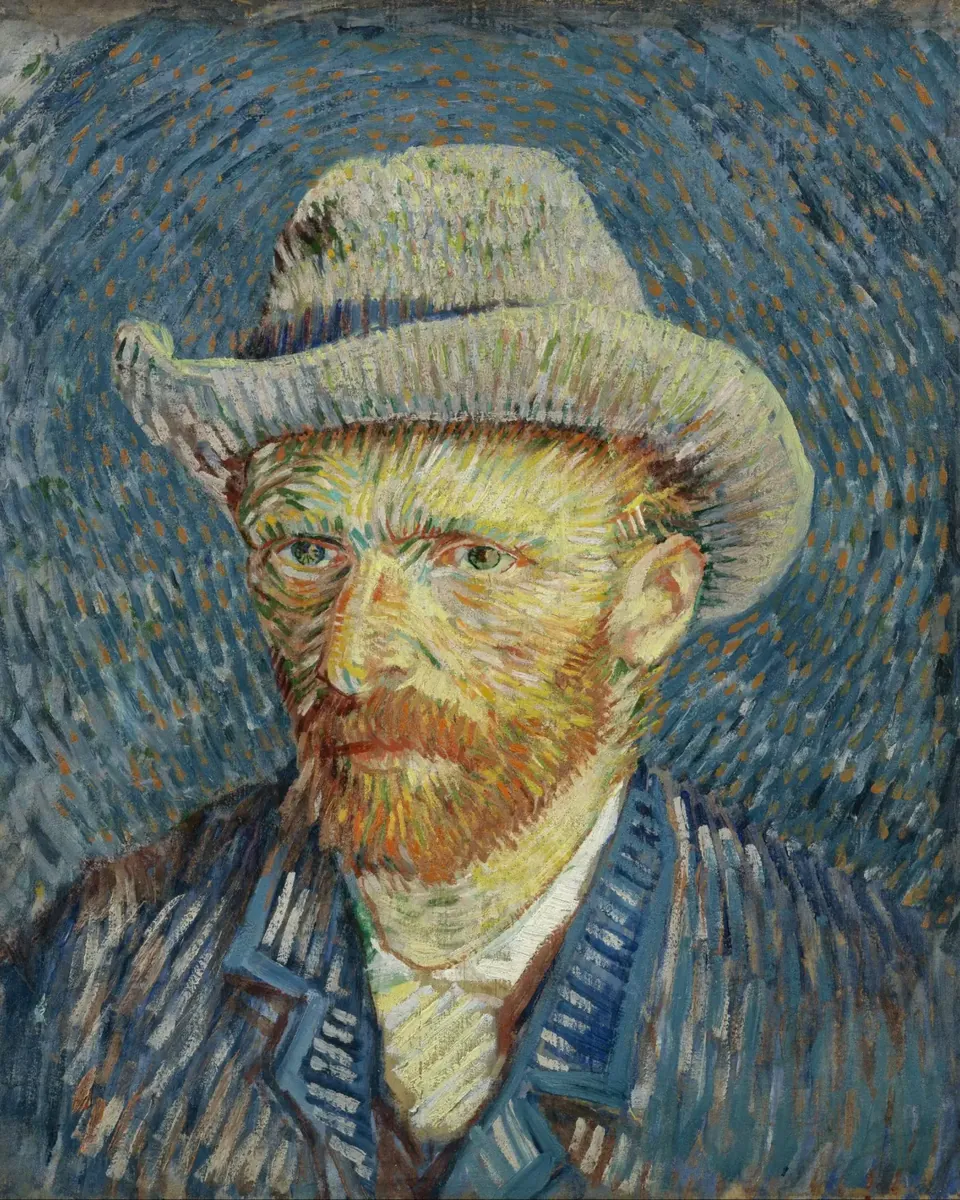
Vincent van Gogh
Created for “Vincent: Between Madness & Wonder” by Alegria Exhibition.
Read the Case Study →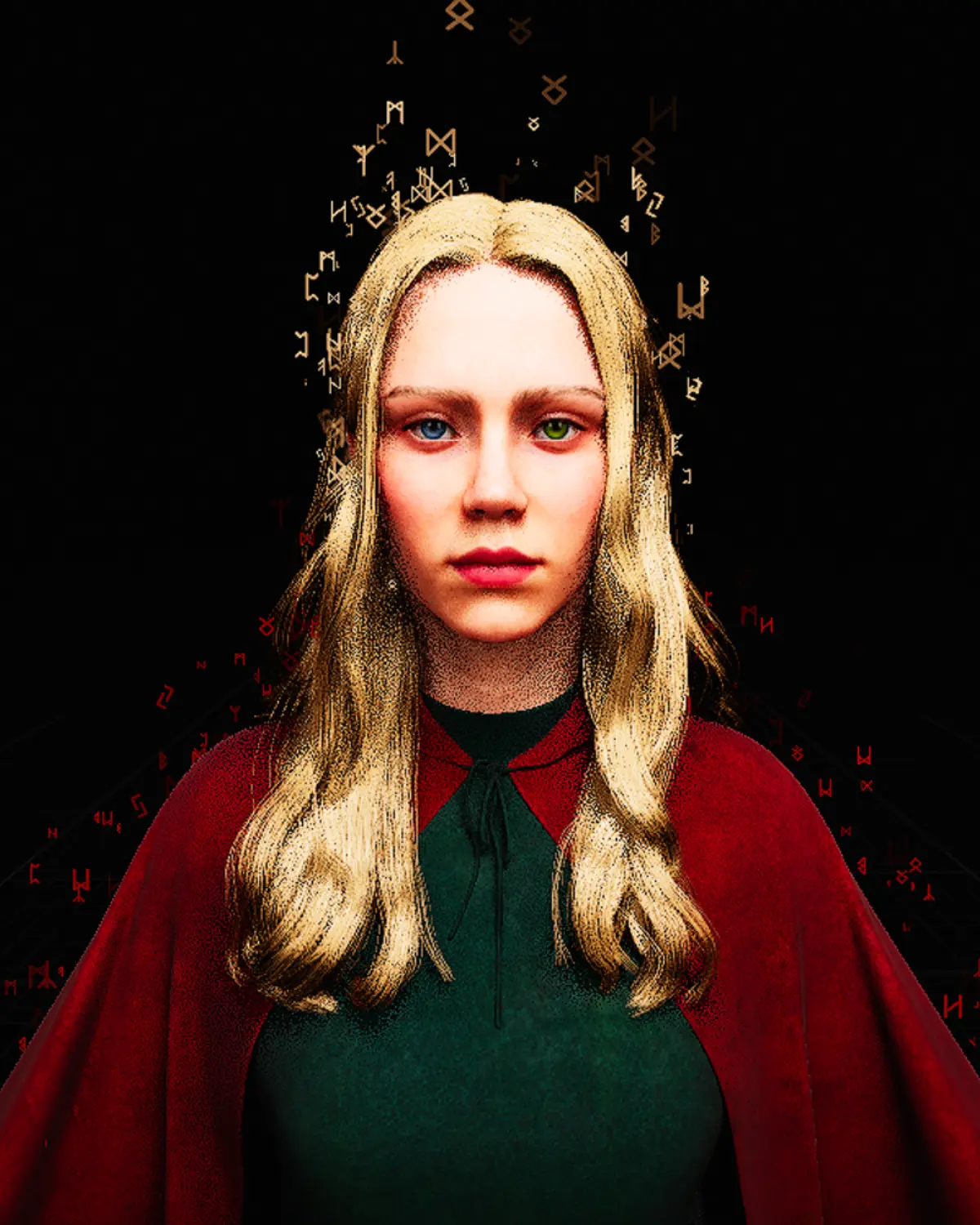

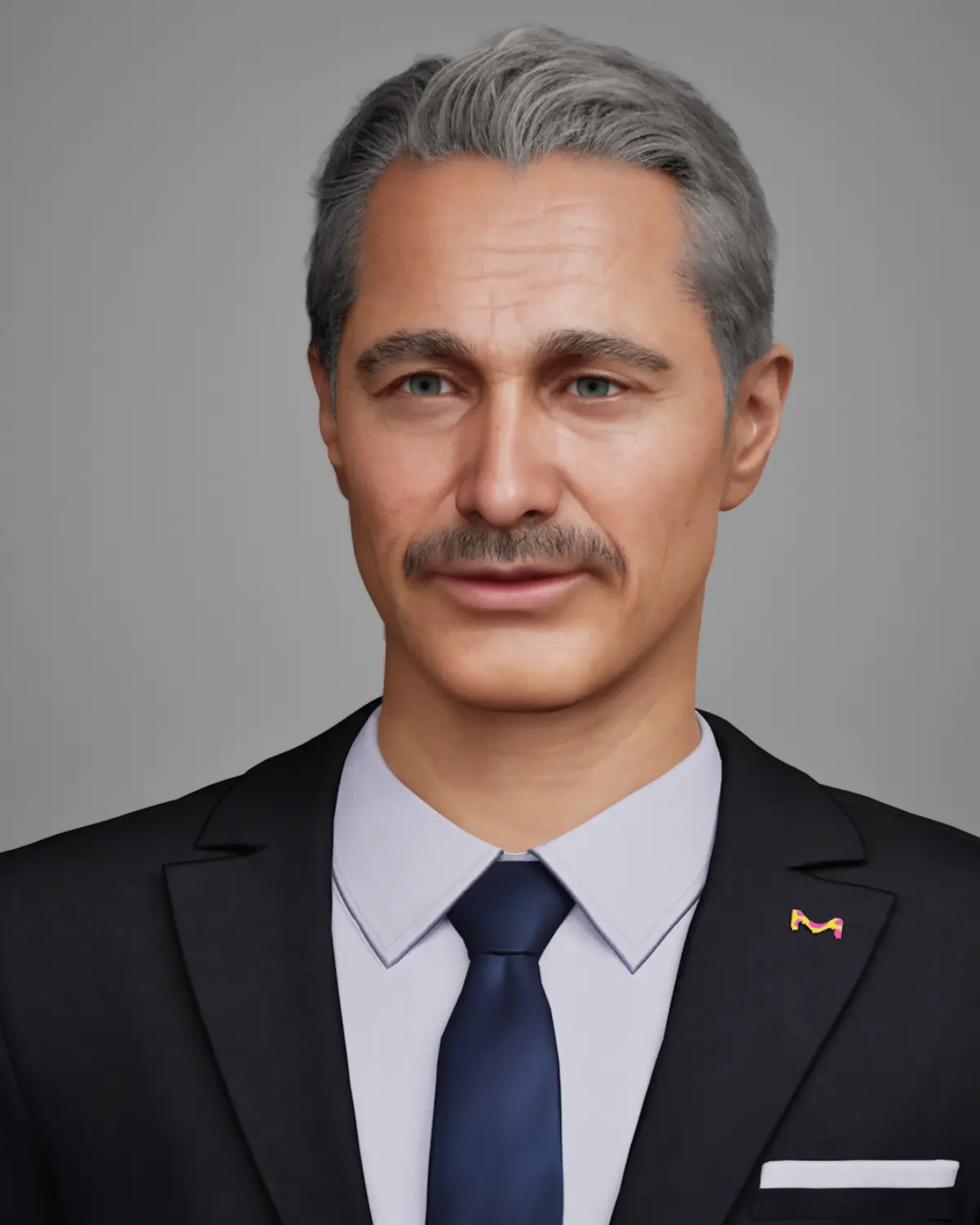
Alfred for MERCK
A Digital Human brand host. Created once and used in Darmstadt and South Korea.
Read the Case Study →
Common questions
Short answers to what schools, universities and public institutions ask us most.
Read all FAQsCan the same character work for different age groups?
Yes. Language level and depth of explanation can be defined per audience, so one character can serve children, students and adults.
Does it support school programmes, and can we use our own educational content?
Yes. Your curriculum material, research and learning resources can form the approved knowledge base, shaped around your learning goals.
Is it accessible, and how many languages does it support?
The setup can include voice, text, plain language and different language levels. Talking Paintings AI supports more than 32 languages.
Do people need an app, or a camera?
No app is needed; the character runs on a screen in the space. Cameras are optional.
Can it be used for public information, and updated later?
Yes. Public information characters work well in libraries, civic spaces and visitor centres, and your team updates the knowledge in the Character Editor.
Bring one subject to life.
Tell us which scientist, historical figure, research topic, learning subject or public information service you have in mind. We will help you find the right format for your audience and space.