
How Talking Paintings comes to life
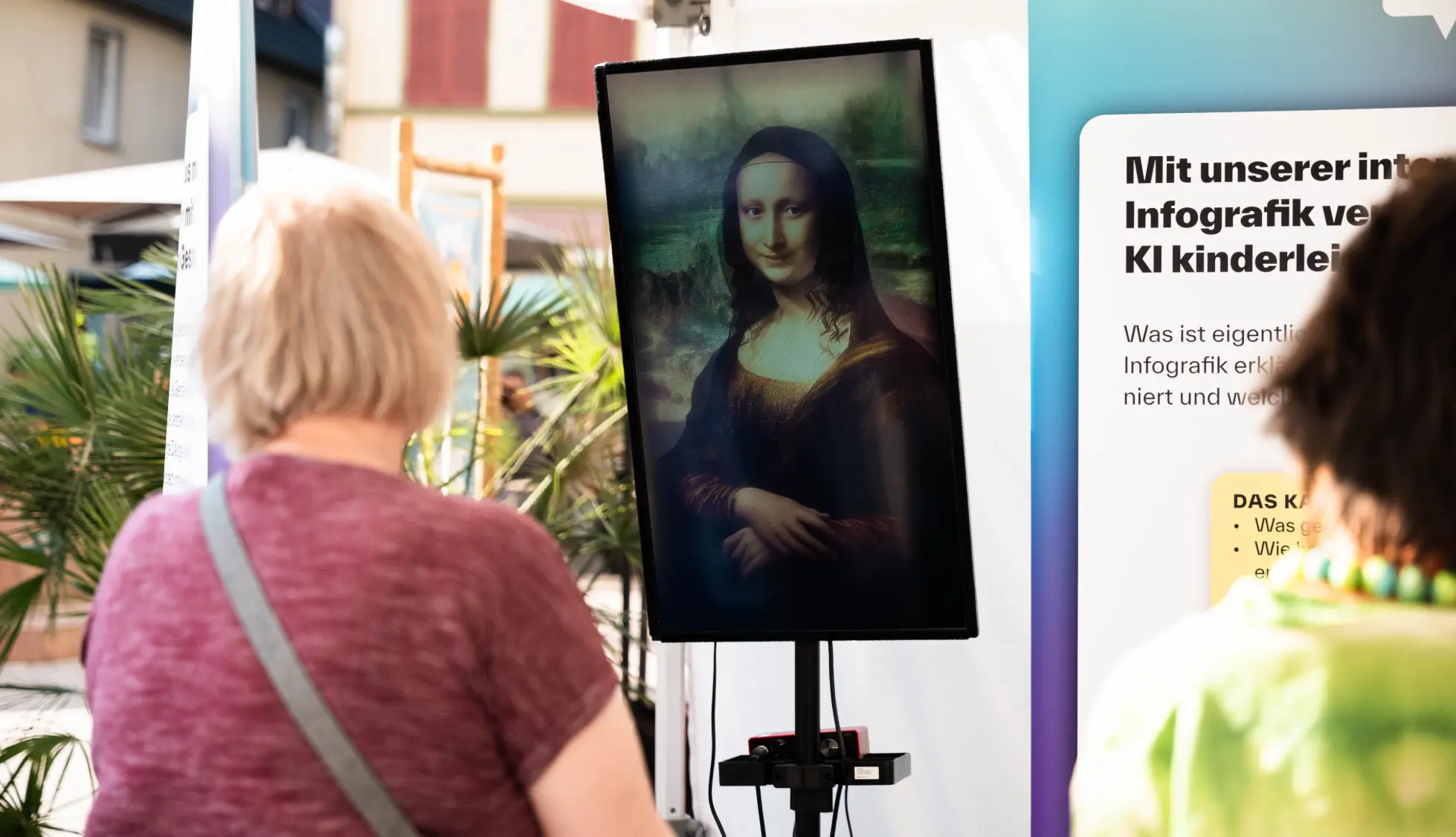
A visitor steps up to a portrait and asks a question. The character looks up, answers in its own voice, and the conversation carries on. Behind that moment sit character design, animation, AI and your approved content, working together on hardware in your space.
Built in Germany for museums, exhibitions, events and public spaces. It runs On-Premise, with conversations processed on site, or Hybrid, with selected cloud services on top of local hardware.
- Berlin
- London
- Frankfurt
- Seoul
- Vienna
- Hamburg
- Munich
- Stuttgart
- Heilbronn








Visitors see a character. Your teams see a system they can trust.
Your IT, data protection and visitor services teams have to approve it, run it and keep it current. Talking Paintings is designed to make all three easy.
Data protection defined up front
What is processed, stored and which services are involved is agreed and documented before launch. Visitor text is not stored unless you switch it on.
Your choice of where the AI runs
Keep everything on site, or combine local hardware with selected cloud services, decided per component.
Hands-off daily operation
It starts itself when the power comes on. No daily routine, no technician, no programming.
Content your team can update
With the Character Editor your staff add facts, upload documents and adjust behaviour. No new production round.
From a prepared story to a real conversation
Talking Paintings Lite
A produced character experience: recorded voice, designed animation and an approved script. It performs the same way for every visitor.
Talking Paintings Lite Plus
The same production, with visitors choosing the topic on a touchscreen, button, menu or sensor. The character plays the matching recorded answer.
Talking Paintings AI
Visitors ask in their own words. The character answers live from your approved knowledge, with voice, expression and follow-ups. Every conversation is different and stays inside your rules.
Which setup fits your project?
What visitors experience
Approach or activate
A visitor approaches, or starts the experience.
The story begins
Voice, expression and movement. With Lite Plus the visitor first picks a topic.
The narrative plays
The visitor watches the prepared story to the end.
Back to idle
The character returns to idle, ready for the next visitor.
Approach
The character can greet visitors and make eye contact.
Hold and ask
The visitor holds push-to-talk and asks in their own words.
Live answer
It answers from your approved knowledge, with voice and lip sync.
Follow up
The visitor asks more, changes topic, or moves on.
Six steps to opening day
Character concept
Appearance, personality and voice, based on your artwork, figure or brief.
3D modelling & animation
Built as a 3D Digital Human with the expression and movement it needs.
Content & knowledge
For Lite, the script. For AI, the knowledge base and communication rules.
Voice & language
Voice style and languages for your audience.
Interaction design
How visitors notice the character, start, and what happens next.
Hardware & installation
Display, PC, audio and setup, then testing and staff training.
Five AI modules behind Talking Paintings AI
From the moment a visitor steps up to the moment the character answers, five modules work together in real time.
Computer vision
Detects presence and movement for eye contact. Never identifies people.
On siteSpeech recognition
Turns the visitor’s question into text.
On siteLanguage model
Finds and writes the answer from your approved knowledge.
On site or cloudSpeech synthesis
Speaks the answer in the character’s voice.
On site or cloudReal-time animation
Drives expression, lip sync and movement.
On siteOn site: always runs on the installationOn site or cloud: your choice, On-Premise or Hybrid
After launch
Your team stays in control
A new exhibition opens. Opening hours change. A curator wants the character to mention a new acquisition. With Talking Paintings AI, your team makes those changes in the Character Editor, a browser-based tool that comes with every AI installation. No programming, no new production round.
Tools
Key Information
Short, specific facts linked to keywords: opening hours, ticket prices, a new loan, today's event.
Document Knowledge
Upload catalogues, wall texts or research papers as PDF, DOCX, TXT or Markdown. The character learns from them after one click to rebuild its knowledge.
Additional Instructions
Adjust how the character behaves, on top of the personality built in production: shorter answers for a school week, more humour for a family day.
Scripted Lines
Fixed lines that must always sound the same, such as a welcome or a safety notice. Edit the text and regenerate the voice in the character's own sound.
Pronunciation rules
Teach the character how to say a local place name, and teach it to recognise names visitors often say differently.
Insights
Check which knowledge is available, preview what the character will find for a question, and see recent edits and activity.
Live without a restartMost changes are live as soon as they are saved. Document updates need one extra click to rebuild the knowledge, and that's it.
Protected accessThe editor is password-protected and can be locked after each session, so visitors never reach it. By default it opens only on the installation computer. Access from other devices on your network is available when your IT team wants it.
Does the character learn from visitors?No. It never trains on what visitors say. Its knowledge only changes when your team updates it.
Daily operation
Switch it on. That's the routine.
Once installed, a Talking Paintings installation needs no daily routine. Switch on the display, speakers and PC, and the character loads itself and is ready for visitors.
Automatic start
The character launches on its own after power-on.
Quick opening check
Staff confirm the character is visible, can hear and can be heard. A text chat lets them test answers without speaking out loud.
Hidden controls
Operator menus stay out of sight during opening hours and appear with a keyboard shortcut when staff need them.
One-click restart
A simple power menu restarts or shuts down the whole system cleanly.
Software updates
A desktop shortcut checks for the latest version and installs it.
Licence tied to your installation
Activated once during setup and bound to the exhibition PC.
Operator manual included
A step-by-step guide for your staff, from opening checks to content updates and troubleshooting.
Direct support
A named technical support contact at videoreality GmbH, reachable at support@talkingpaintings.ai.
Run offline or online? Both are possible.
Choose where Talking Paintings AI does its thinking. The character always runs on local hardware in your space.
- Privacy firstVisitor conversations are processed locally on the installation computer. Visitor text is not stored by default.
- No token costsA one-time investment in hardware and software, with no token or API charges, however many visitors you welcome.
- Fast on-site performanceLocal hardware keeps answers quick, even on your busiest days.
- Stable operationRuns without an internet connection and starts automatically when switched on.
Best for organisations focused on on-site visitors, permanent installations and strict data protection requirements.
- Leading AI modelsConnect to leading cloud-based AI models or connect your own language model.
- Premium cloud voicesUse high-quality cloud voice models or connect your own voice model for natural, expressive speech.
- Connect what you already useIf you already work with a chatbot, its knowledge base can be connected, with data flows documented in the project.
- Lower upfront investmentHybrid installations have up to 50% lower system requirements, reducing the initial hardware investment.
Best for changing exhibitions, touring installations and international audiences that want the newest AI capabilities.
GDPR and data protection
Built for strict data protection requirements
Every data flow is defined, documented and agreed with your team before a character goes live.
Read Data Protection & Security →Local processing
With On-Premise, visitor conversations are processed on the installation hardware and stay inside your environment.
Nothing stored by default
Visitor text is not saved unless your project explicitly switches it on. Conversation logging, usage statistics and transcripts are separate settings, each enabled only by agreement.
Only the services you approve
Every external service, from cloud language models to cloud voices, is listed and agreed before launch. Nothing else is contacted.
Privacy-focused vision
Where a camera is used, it detects presence and movement for eye contact. It does not identify visitors. Cameras are optional.
Protected access
The Character Editor is password-protected and lockable. Service credentials can be locked away from on-site staff entirely, managed only by your IT team or by us.
Documentation before installation
Every project ships technical and data documentation, so your data protection officer can review what is processed and where before anything goes into the room.
Rent or build
 Rental
Rent an existing character
For short exhibitions, events, trade fairs and pop-ups. Hardware, setup and support included, no long-term commitment.
Request Rental Pricing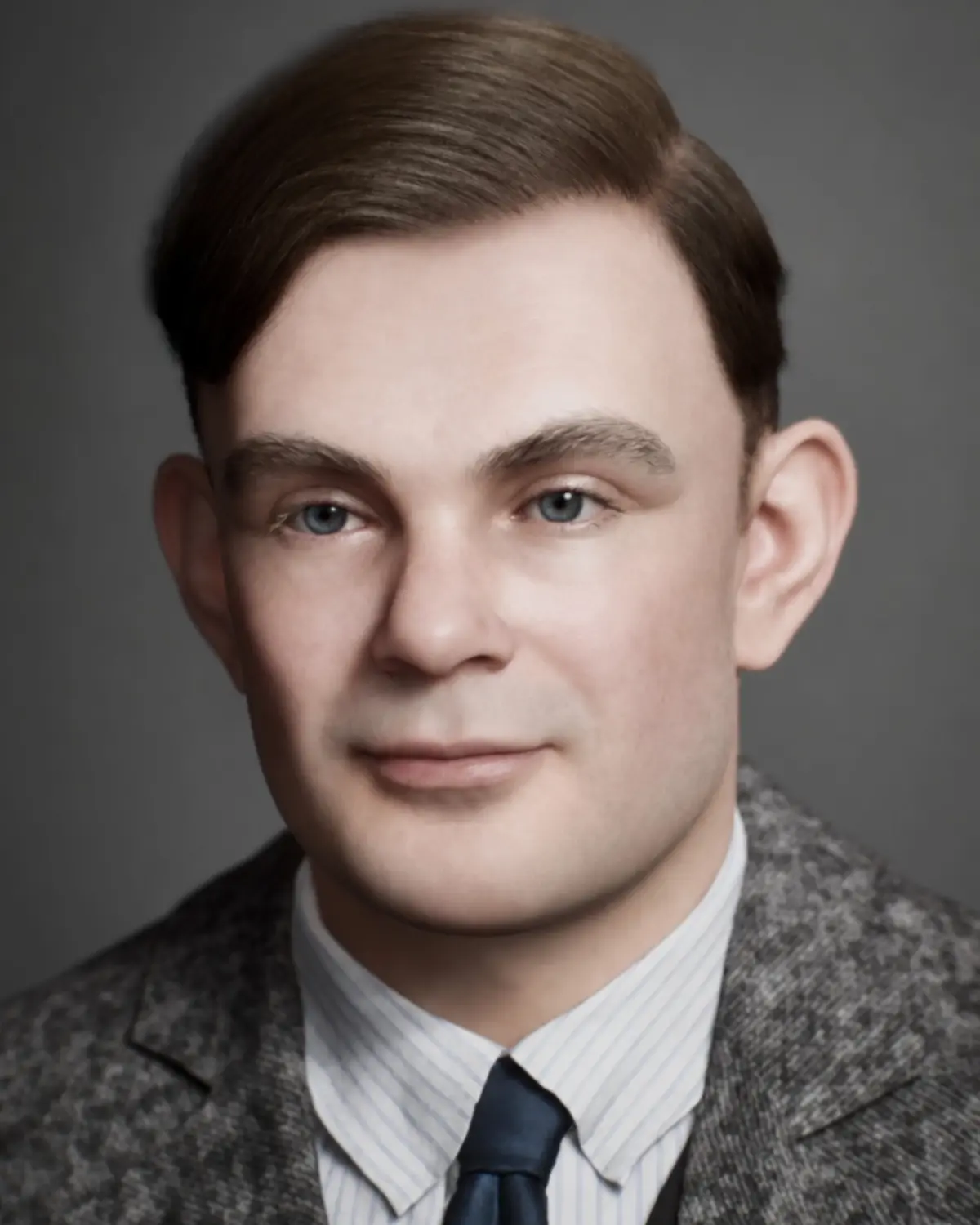 Custom
Build a custom character
For permanent exhibitions, your own artwork or a brand experience, with character, content and interaction defined with your team.
Compare the four options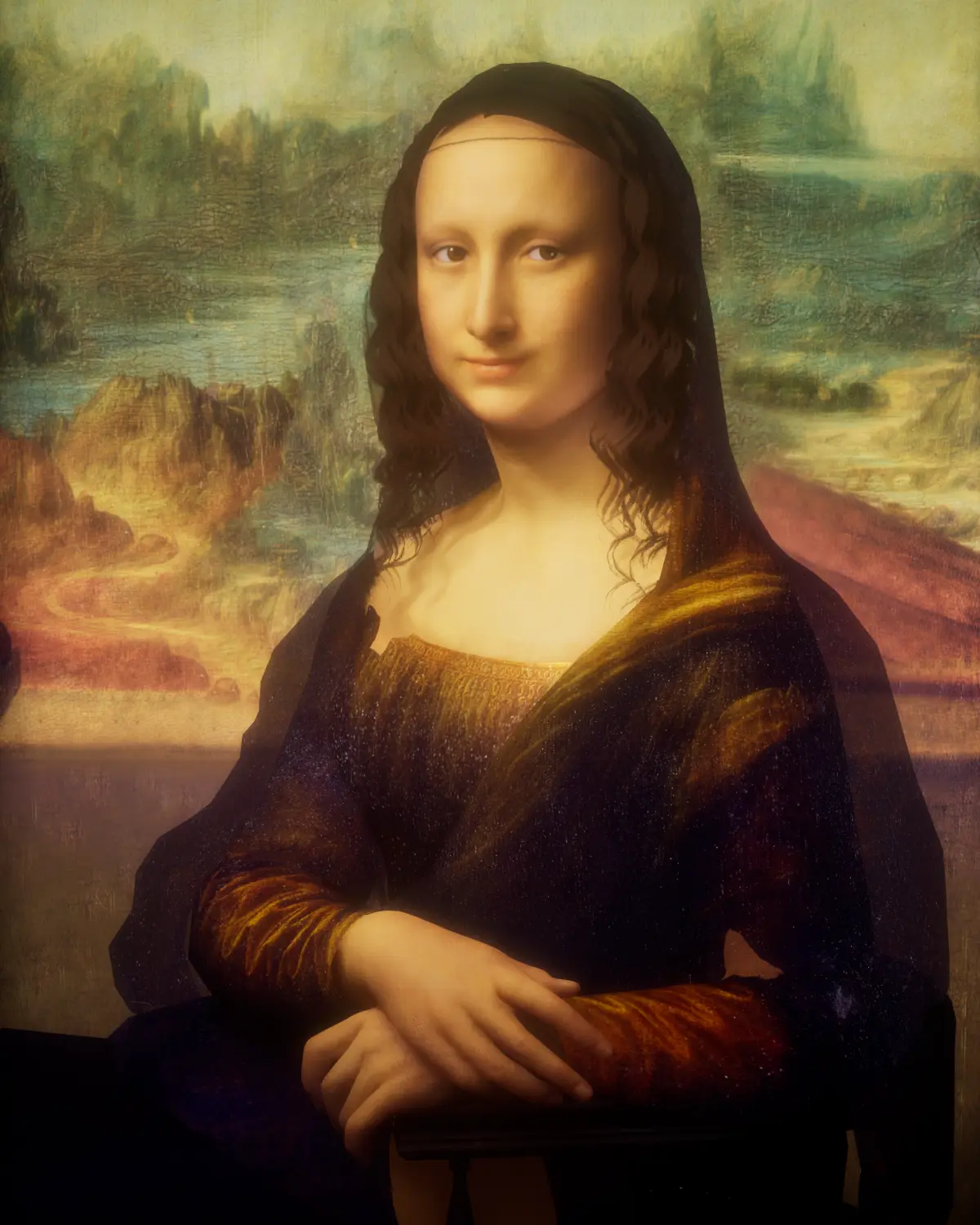 Not sure yet?
Questions about how it works
Quick answers for project leads, IT teams and data protection officers.
Read all FAQsDo we need technical staff to run it?
No. It starts on its own when switched on, and your team gets an operator manual and a short handover.
What’s the difference between Lite and AI?
Lite plays a prepared story (Lite Plus: prepared answers per topic). AI writes each answer live from your approved knowledge, so visitors ask in their own words.
Can our team update the content after launch?
With AI, yes, in the Character Editor; most changes are live as soon as they are saved. With Lite and Lite Plus, updates are a production step.
What’s the difference between On-Premise and Hybrid?
On-Premise runs the language model and voice on site, offline and without usage fees. Hybrid uses selected cloud models and voices on top of local hardware.
Is Talking Paintings GDPR-compliant?
It is built for GDPR: local processing is possible, visitor text is not stored by default and every data flow is documented. Compliance depends on your complete deployment, and we provide the documentation for your review.
Not sure which format fits?
Tell us about your space, your audience and your story. We will recommend a format and put together a proposal that fits your budget.